Chapter 2. Major Functions
Copy to Record Disk
Recorded titles saved in UDF system are copied to Copy Recordings Here disk. Video and audio CODEC of the saved
file are encoded and saved as MPEGII.
3-5. Delete Recorded Title
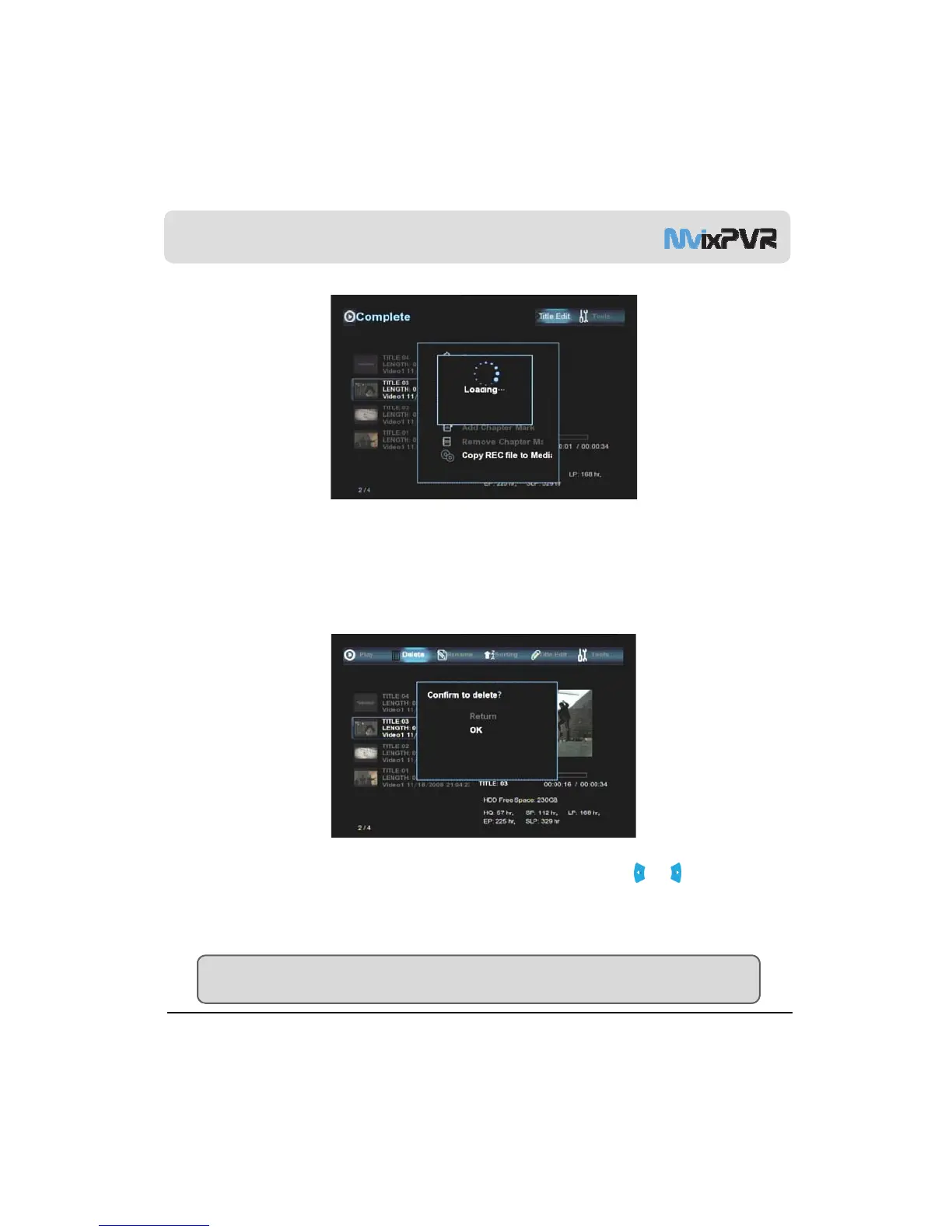
Delete Recorded Title
Recorded titles are deleted. Place selection bar on the recorded title to delete. Then, move it in left/ right
direction to select DELETE menu. Deleted titles cannot be restored. If you are intending to increasing reserve space for
recording while leaving the recorded titles, it is recommended to delete titles after copying them to Copy Recordings Here
MvixUSA
37
ar
on.
TIP
To copy titles saved in RECORDINGS LIBRARY through connection to USB SLAVE in Windows OS, execute Copy to
Record Hard and connect the titles to USB SLAVE. Then, the files can be viewed in the hard disk in PVR.



 To Next Page