Chapter 2. Major Functions
3) Recordings Library
3-1. Play Recorded Title
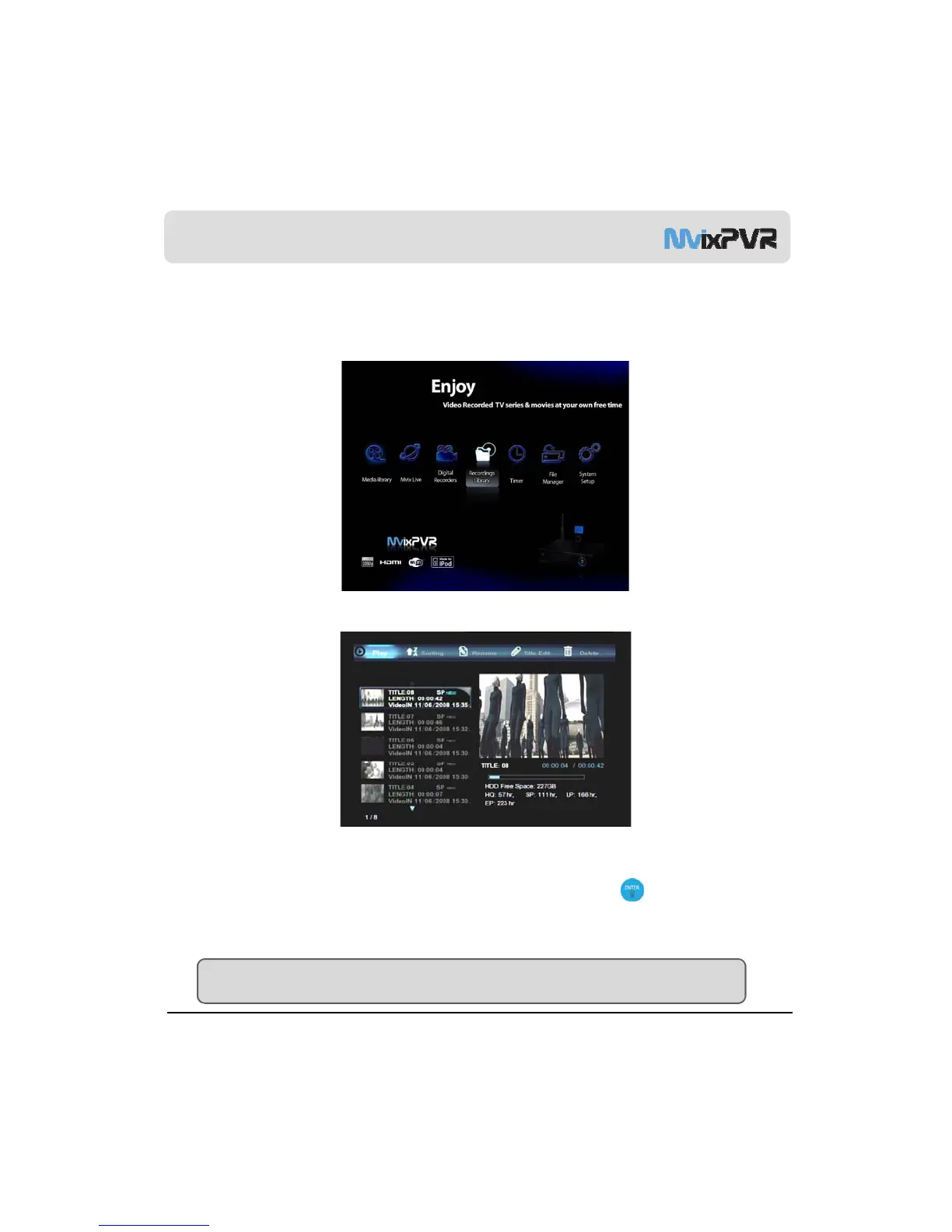
In Home screen, select RECORDINGS LIBRARY menu.
<Screen to Select Recordings Library in Main Menu>
RECORDINGS LIBRARY menu displays the recorded and saved titles. Select a title and select medium in the left screen to
preview the title. Therefore, the saved screen can be checked instantly. In PLAY menu, press to play the selected
title file. After activating recording, enjoy watching media file in MEDIA LIBRARY menu. Then, enter RECORDINGS LIBRARY
<Screen to Preview Recorded Title>
MvixUSA
31
menu to play the recorded title from the beginning without stopping the recording status.
TIP
TIME SHIFT is not saved. However, with this method, TIME SHIFT function can be used while saving is simultaneously carried
out.



 To Next Page