Chapter 2. Major Functions
2) Digital Recorder
2-1. Video In Recording
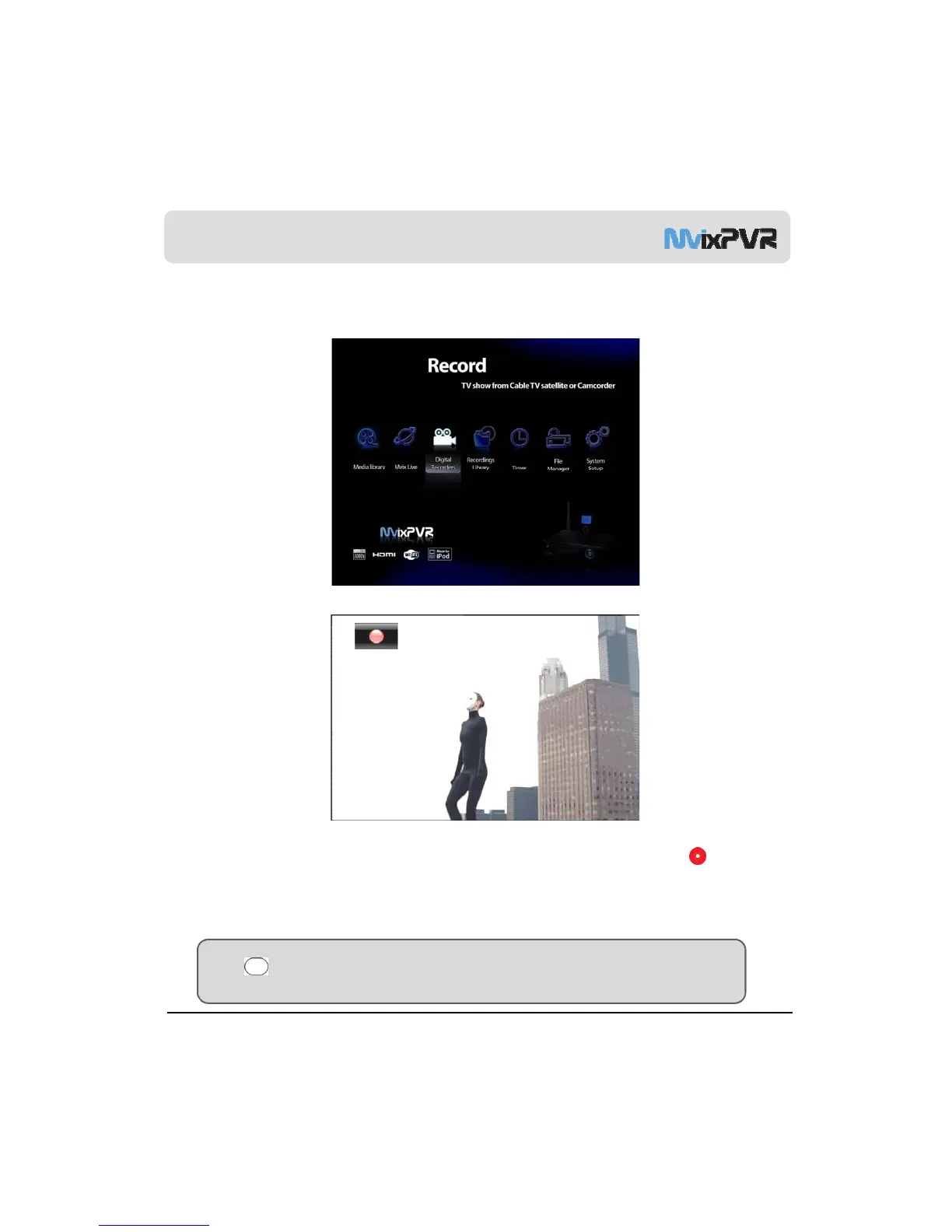
<Screen to Select Digital Recorder (Video In) in Main Menu>
<Input Signal Screen at Recording Time>
Select DIGITAL RECORDER menu to display the Video Input digital media. To record the desired part, press in
remote controller to start recording. Each time the button is pressed, recording time is designated as 30/ 60/ 90/
120/180/ 240 min./ off. When recording starts, image of REC button is displayed at the top left-hand corner of screen.
MvixUSA
29
TIP
Using VIDEO IN quick button in remote controller, you can access shortcut function from any menu. This must be
in the state in which movie is being entered into Video In (input) terminal. Recording is not possible if the input signal
itself does not exist.



 To Next Page