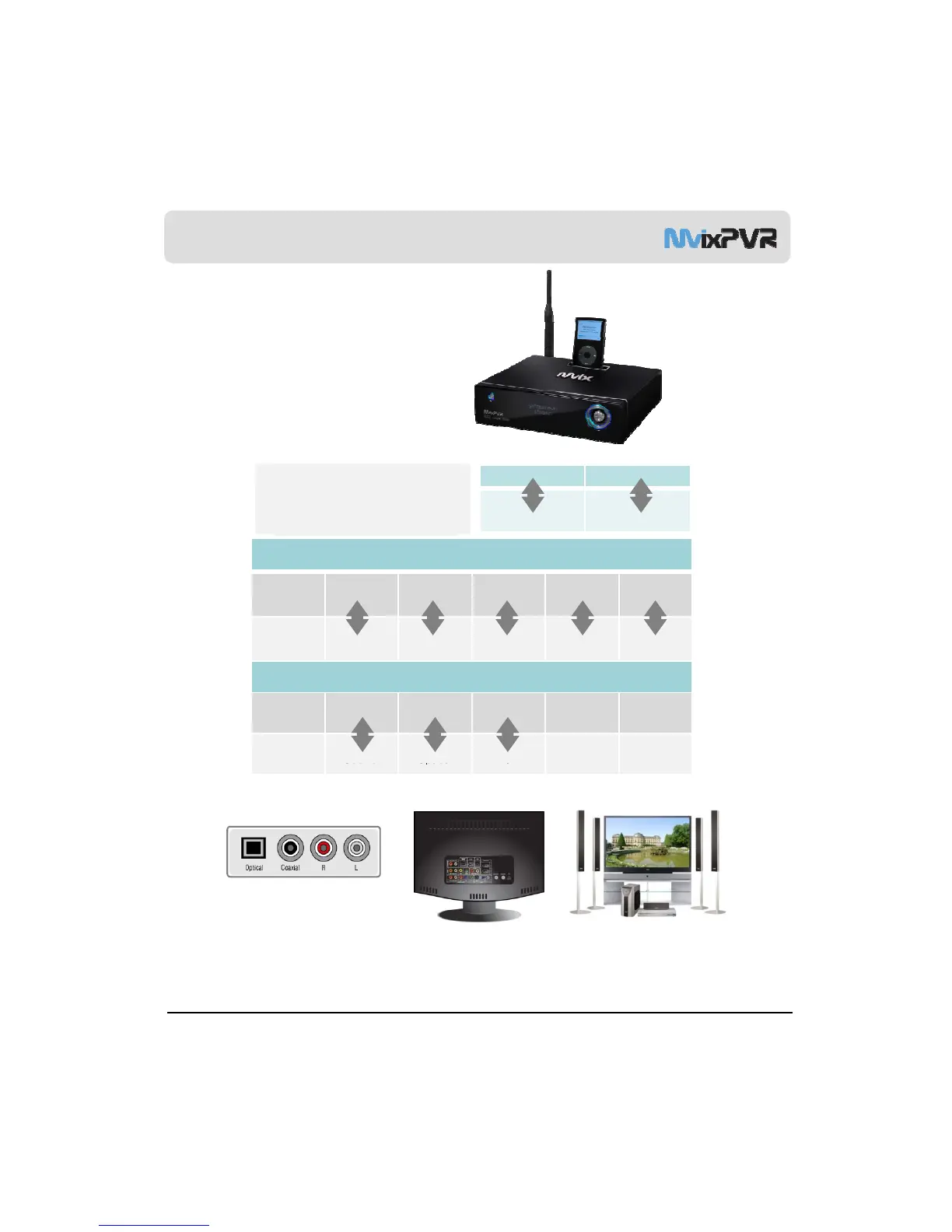
Connection
-Connect composite output of external AV device to Video
.
-Connect one of the video output terminals ie ‘Composite, Component,
HDMI’ to display device, such as TV, etc.
-To connect the audio output you have a selection of either
Stereo RCA, Optical or Coaxial. Connect the output of
your choice to the corresponding audio input on your
TV , amplifier or surround sound system.
Input
AV Device and PVR
Connection
Out put >> MvixPVR and TV Connection
TV
terminal
Y/Pb/Pr Video R/L HDMI
Video Audio R Audio L
Video
Audio R Audio L
Connect Connect
PVR
terminal Y/Pb/Pr Video R/L HDMI
PVR and Audio Device Connection
Audio
terminal
Coaxial Optical R/L
PVR
Connect Connect Connect Connect Connect
Connect Connect Connect
Large TV with home theater system
Terminal on TV
Terminal on audio device
MvixUSA
13
※ Video signals connected to the video input (Composite) are transferred to the video out (Composite).
The relaying function is carried out even when power is turned off. However, power adaptor must be connected



 To Next Page