Chapter 2. Major Functions
2-2. Simultaneous Use of Recordin
and Media Librar
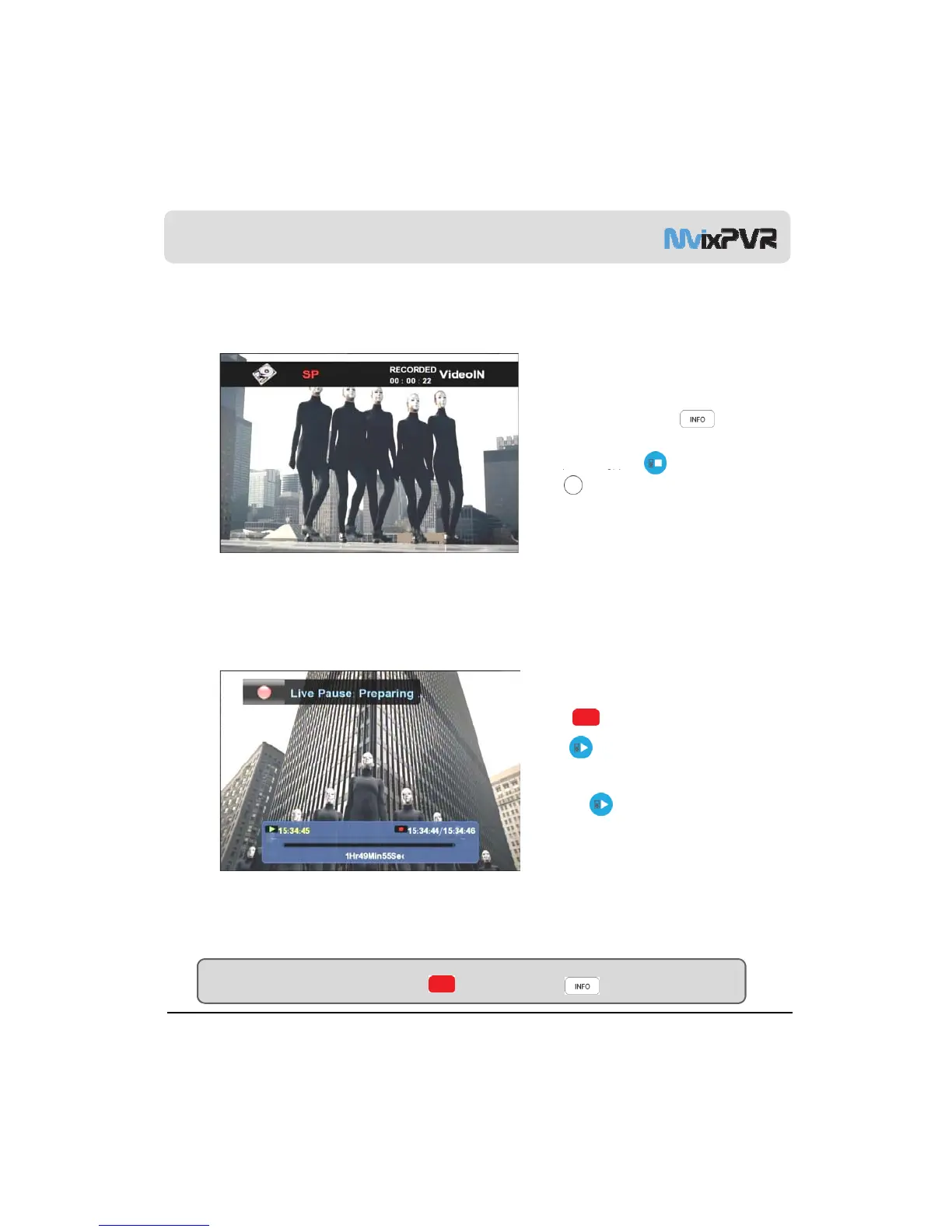
To check recording status, press INFO in remote
controller and check save position, quality setting
status and recording progress.
To sto
recordin
ress ‘ST in remote controller.
Press ‘HOME’ in remote controller while recording
is in progress and play movie in MEDIA LIBRARY menu.
<Screen for Pressing INFO Button while Recording is in Progress>
2-3. Time Shift
Press TIME SHIFT button on remote
controller to temporary stop live broadcasting.
Press button to continue playing the movie.
Using TIME SHIFT function keys slow motion/
,
rewind and review/ fast view, etc. are possible.
Activate TIME SHIFT function from the beginning
and press button. This way, you can
conveniently rewind the part missed or view it in
slow motion.
<Screen for Time Shirt>
MvixUSA
30
TIP
You can hide/ show OSD in the status bar of TIME SHIFT by pressing button.



 To Next Page