Chapter 5. MvixFTS Use and Share
1) Mvix FTS Installation
What is Mvix FTS?
This application converts and transmits movies
made with a CODEC that is not supported in
MvixPVR into MPEG CODEC on a real-time basis.
MvixFTS enables to transcode the output of
movies in H.264/ WMV / MOV / RMVB / RM
Format stream it to MvixPVR on a real time basis.
MvixFTS can be used only when it is
installed on a PC that is connected on
the same
local network.
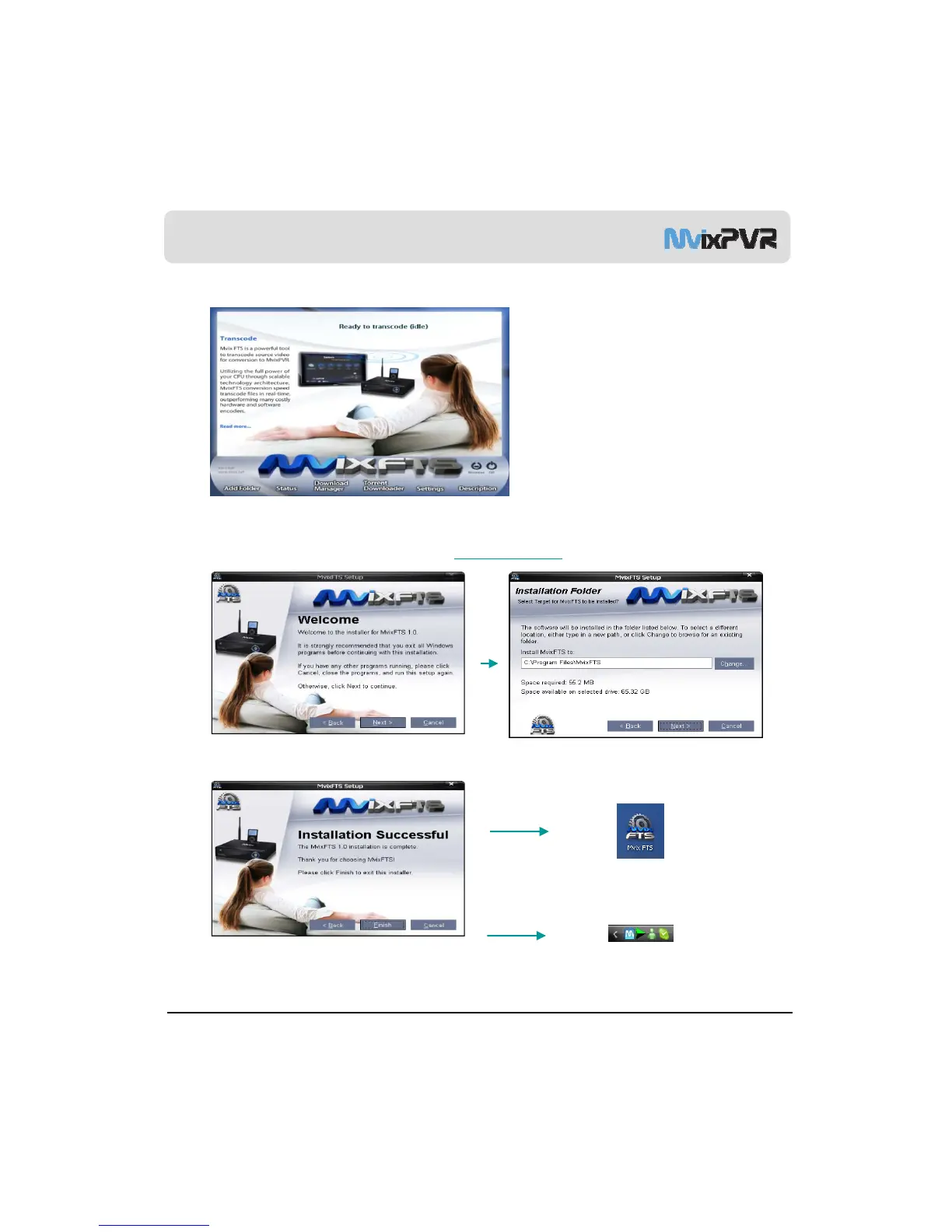
When the above screen appears, click Next.
Find Mvix FTS program in the CD enclosed in this product package and start installation.
Mvix FTS program can be downloaded in data room at http://www.mvixusa.com
Screen to designate program installation route is displayed. Click Install.
Shortcut Icon
MvixUSA
57
Installation is completed. Program will be executed.
Program is executed by icon on background screen
or in ‘Start -> Program -> Mvix FTS program group.
TaskBar Icon



 To Next Page