Chapter 4. Media Environment Setting
MediaPlay Movie Preview
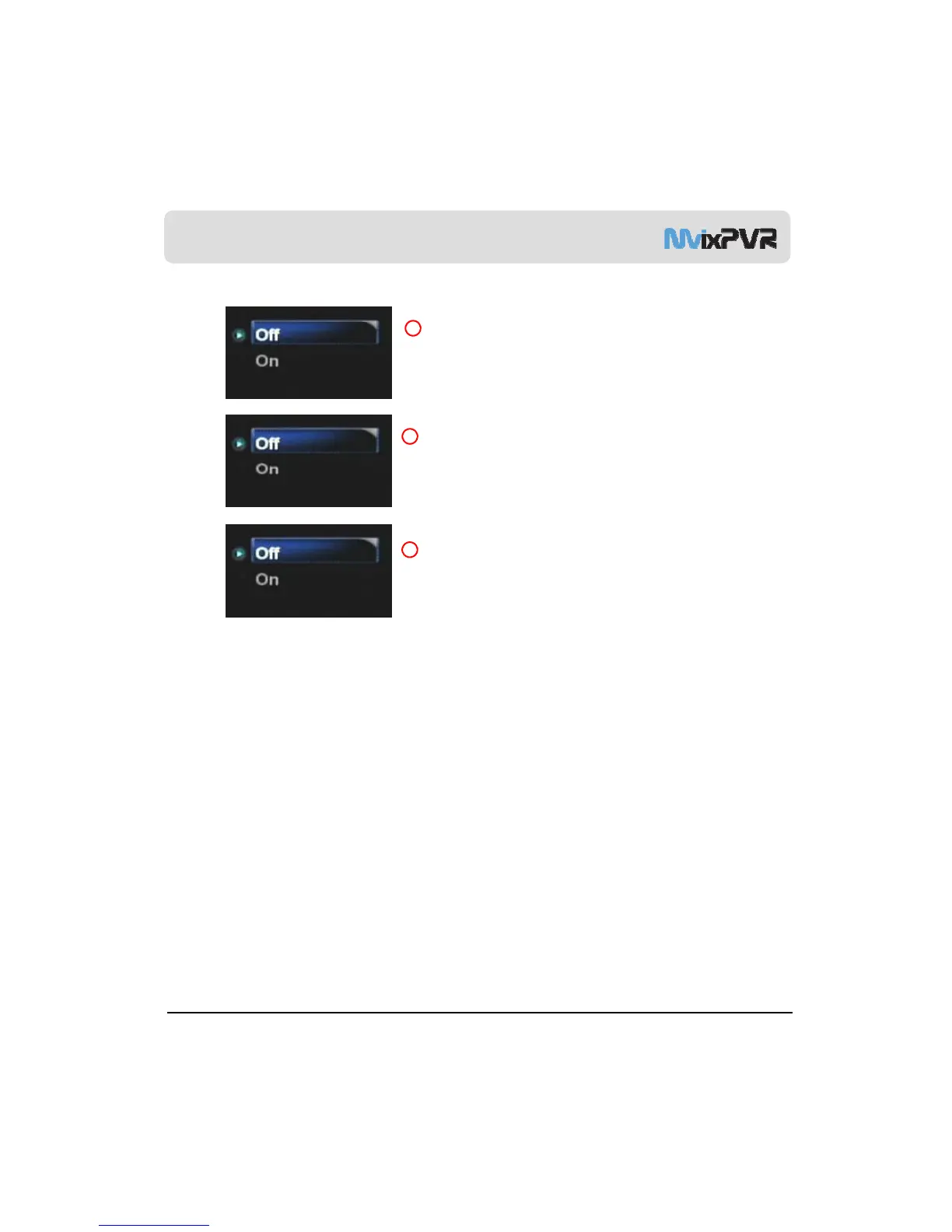
In Media Play function, you can disable or enable preview function.
This is not applied in Playback menu. On/Off setting can be made by
using Preview key in remote controller.
UPNP Media Server
UPnP server im
lementation is
ossible. You can
la
or download
4
3
HDD files by connecting with IP address of MvixPVR from local PC.
Interface Sound
Sound effect for MvixPVR menus is set.
5
MvixUSA
56



 To Next Page