Chapter 3. For Advanced Users
1) TIMER
Timer
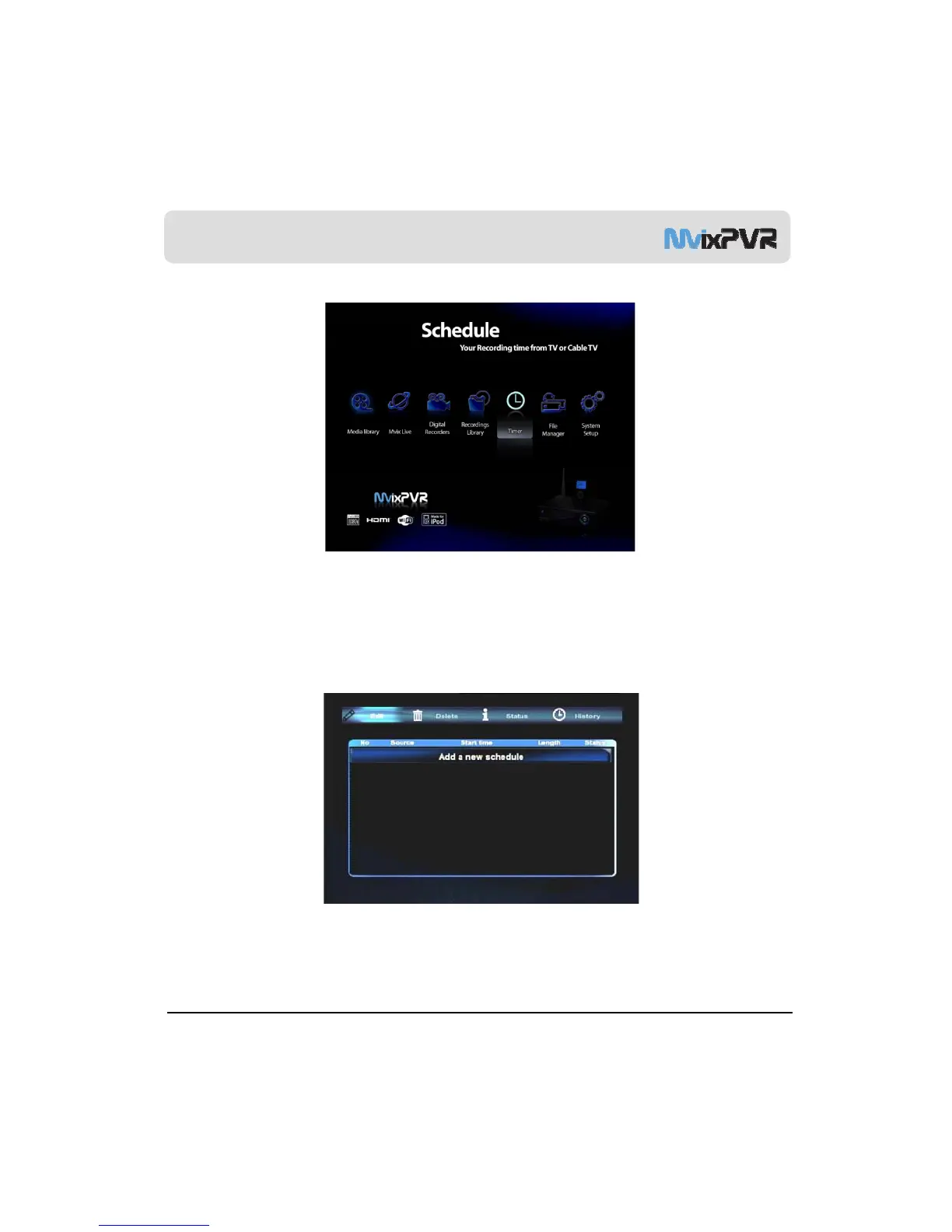
Automatic booting is carried out to start recording on the date and time designated by preset recording function.
The time applied to scheduler is based on the time applied in MvixPVR. Therefore, before using product, set time
to be the same as actual time in SETUP
-
-
.
1-1. Add Preset Recording
MvixUSA
38
Preset Recording
In scheduler, press OK in Edit menu to display a window to preset time for recording.



 To Next Page