Chapter 3. For Advanced Users
4) UPnP Server
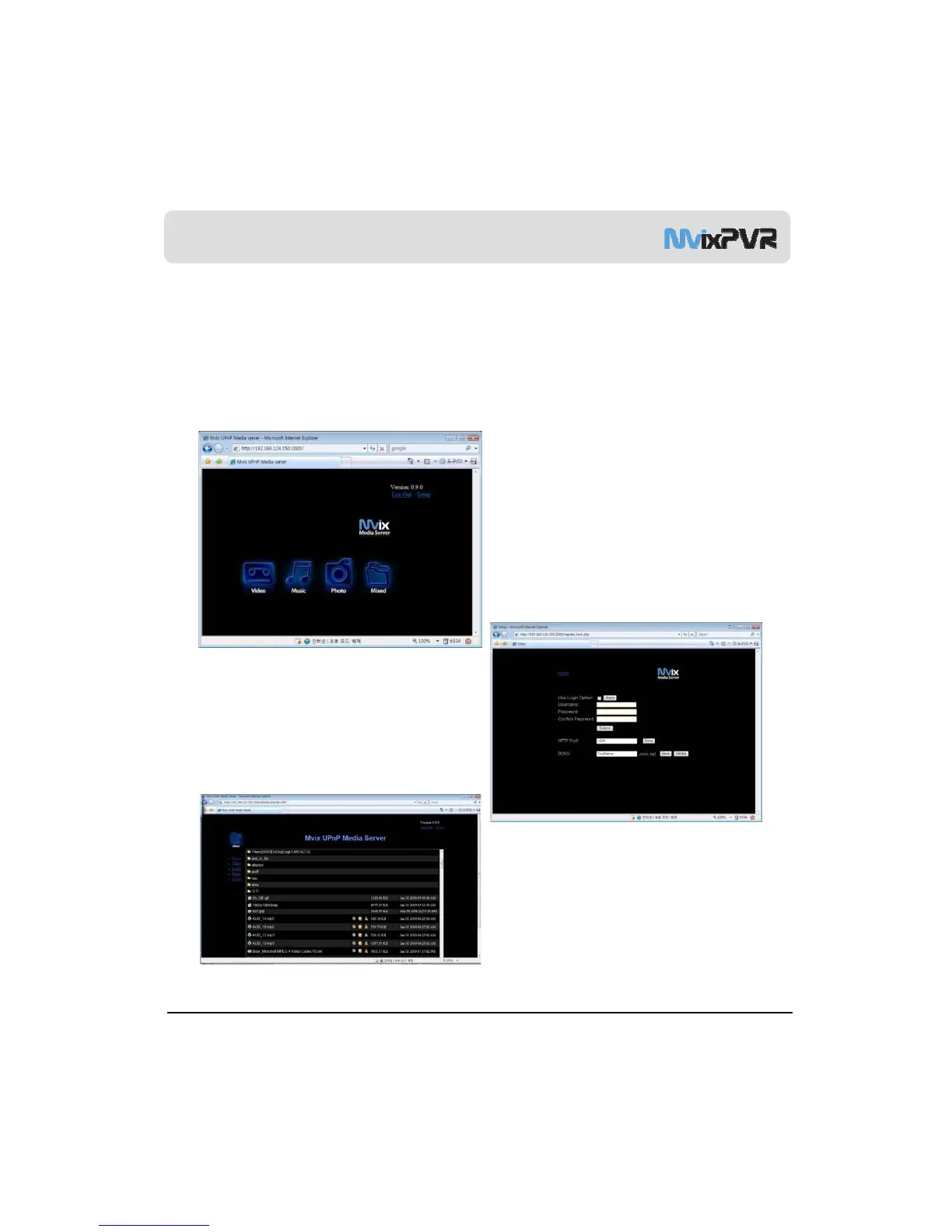
Using Mvix UPnP Media Server
-
-
-
Activate Mvix PVR UPnP function through the above sequence.
In SYSTEM SETUP -> NETWORK, enter the allocated IP address for connection to MvixPVR UPnP Server.
By using the free DDNS of www.mvixusa.com, you can connect to the MvixPVR anywhere, anytime.
Default value of port number is 80. For port number of random value, up to 4-digit numeric combination can be used.
MvixUSA
45



 To Next Page