Chapter 4. Media Environment Setting
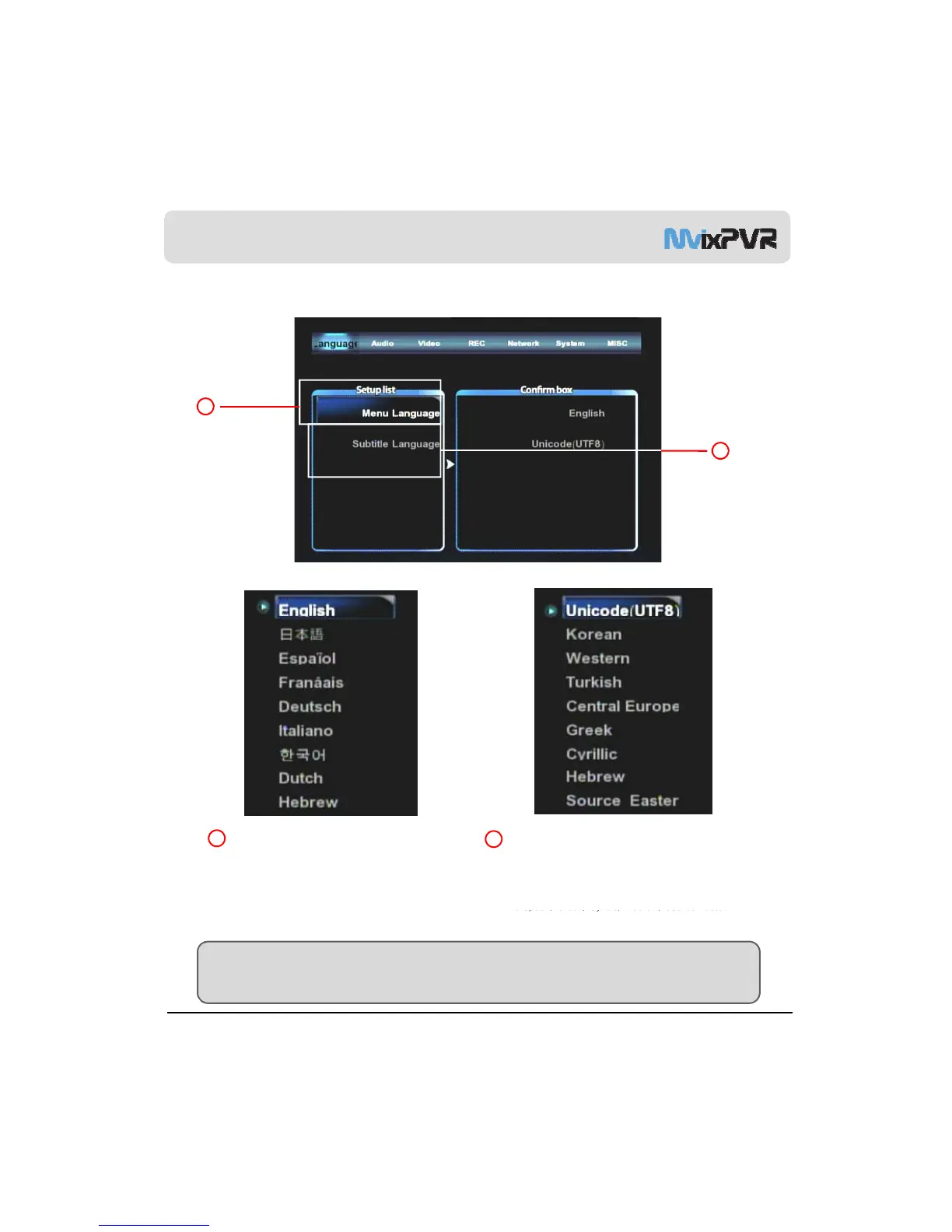
1) Language Setting
2
1
1
2
Menu Language
Language for menu is changed. Available
languages are English, Japanese, Spanish, French,
German, Italian, Korean and Dutch. The changed
language is immediately applied.
Text Encoding
Method of display to fetch subtitle file from computer
is changed.
Unicode(UTF8)/ Korean/ Western/ Turkish/ Central
European/ Greek/ Cyrillic/ Hebrew/ Source Eastern
MvixUSA
46
are available.
TIP
Unicode, the industrial standard designed to consistently express and handle all letters of the world in a
computer, environment.



 To Next Page