Chapter 1. PVR Setting
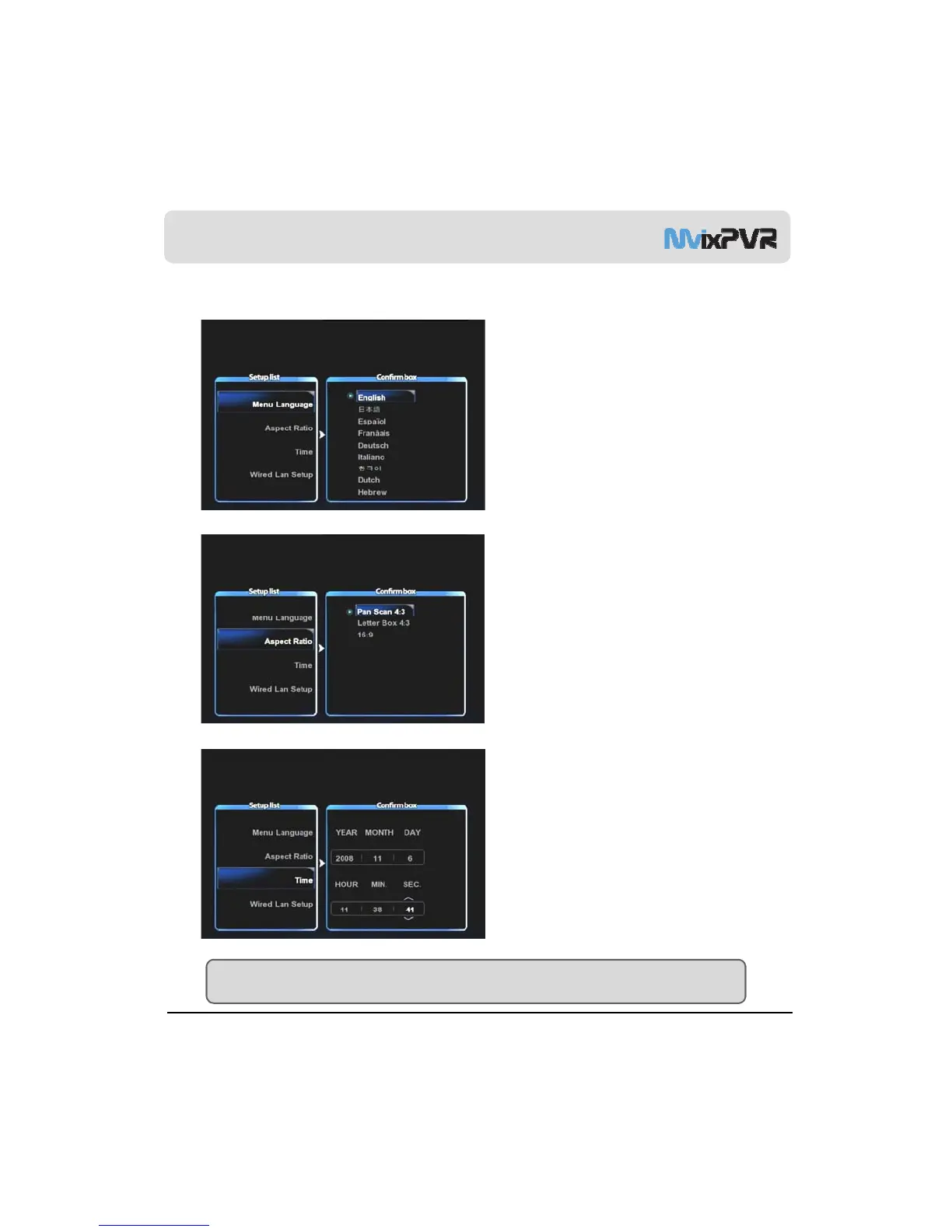
2) Language/ Resolution/ Time Setting in Wizard
1. When HDD is formatted, initial setup screen is
displayed as shown in the picture. Select your
preferred language used and press OK..
2. Adjust the ratio of TV output resolution. (Refer to
description on TV resolution on page 47
(Setup -> Video.)
3. Set current date and time by pressing up/ down
button. Press OK.
MvixUSA
20
TIP
Make sure to set time to be the same as current time in order for normal recording with record preset function of TIMER.



 To Next Page