Chapter 2. Major Functions
1-2. Photo
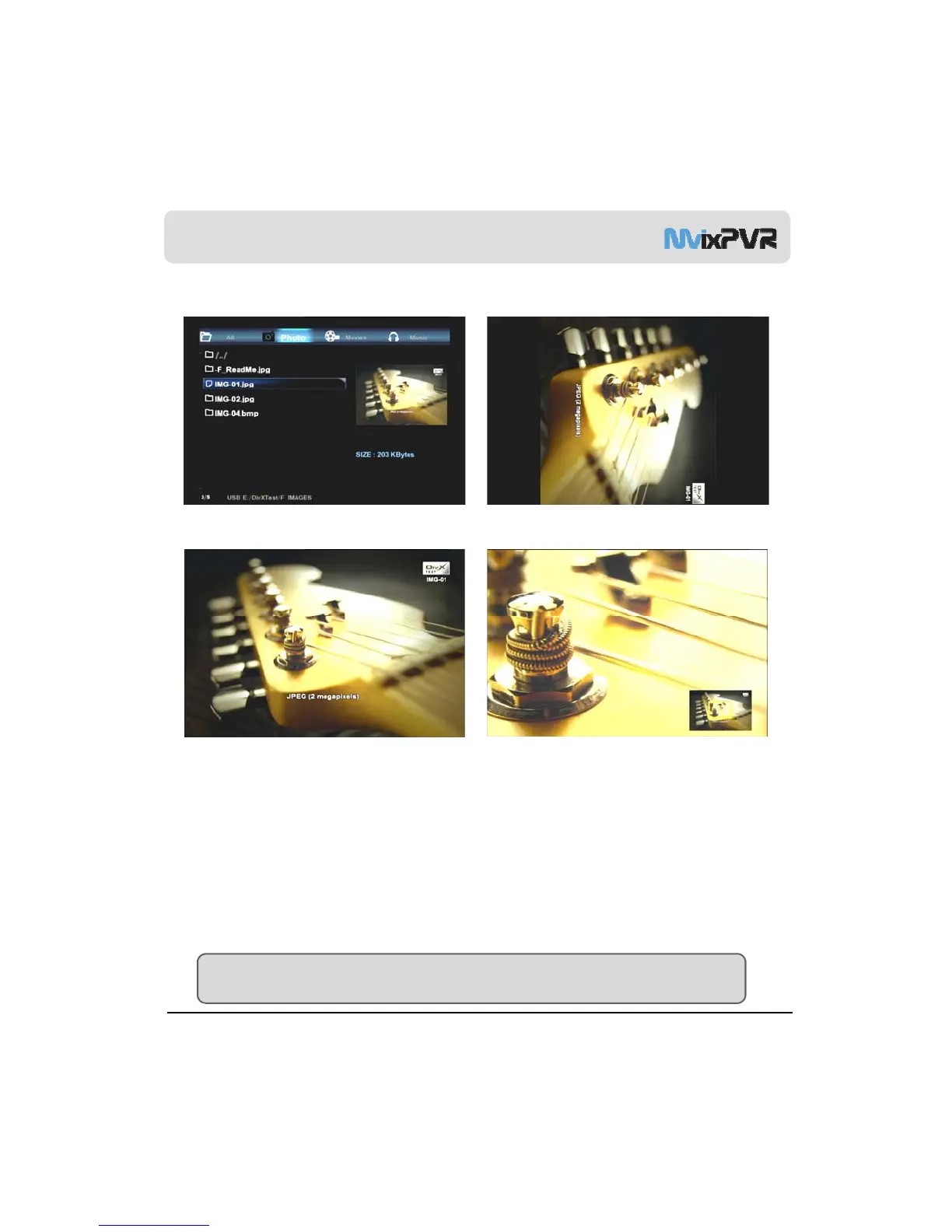
<Screen for Photo Preview> <Rotated Screen>
<Full Screen>
<Enlarged Screen>
Photo
This menus displays only the photo files. Zooming function (2x/4x/6x/8x/16x/Fit) lets you expand photos and check their
locations. Using <Left/ Right> keys, you can instantly rotate vertically taken photos without having to modify them
(supporting BMP/ JPEG formats, progressive JPEG format not supported).
All photos in folder are automatically displayed in slide show. The interval of slide show can be adjusted as 2/ 5/ 10/ 30
Seconds or 1/2minutes. A variety of conversion effects are also available.
MvixUSA
24
TIP
You can enjoy slide show with music and diverse effects by activating SYSTEM -> MISC -> Transition Effect setup.



 To Next Page