Chapter 2. Major Functions
Thumbnail Setting
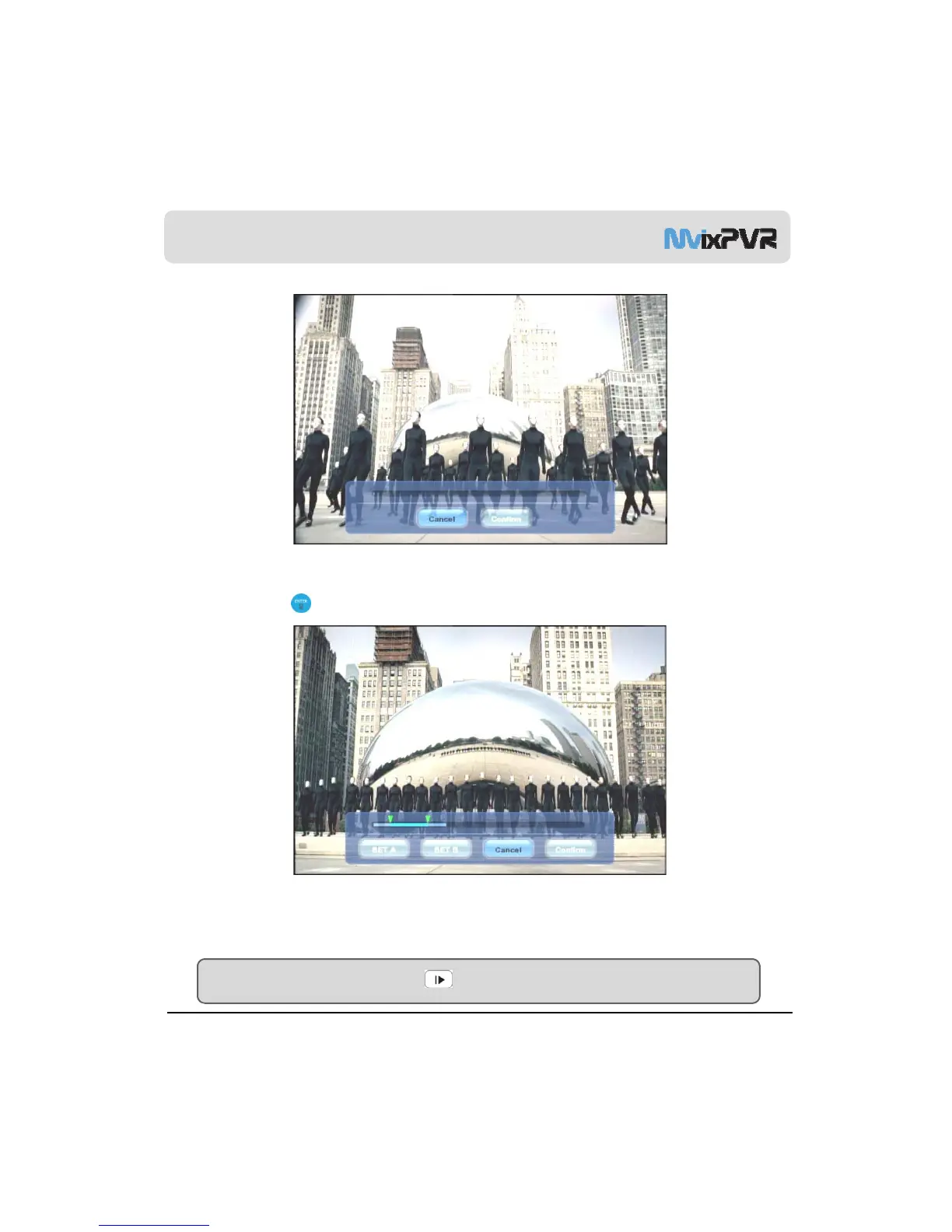
Set the parts displayed in preview screen. You must press PLAY button at start as it is in temporary stop status. Then, select
Confirm and press in remote controller.
Cut A-B Zone
MvixUSA
34
Set the desired
oints in the recorded file and delete the desi
nated zone.
Designate starting point as SET A and ending point as SET B. Press OK to delete the designated A-B zone. The deleted
part cannot be restored. Therefore, accurately check the points before deletion by using rewind or fast forward function.
TIP
To accurately designate A-B zone, play file with SLOW button rather than PLAY. This way, you can designate the
zone more accurately.



 To Next Page