Chapter 3. For Advanced Users
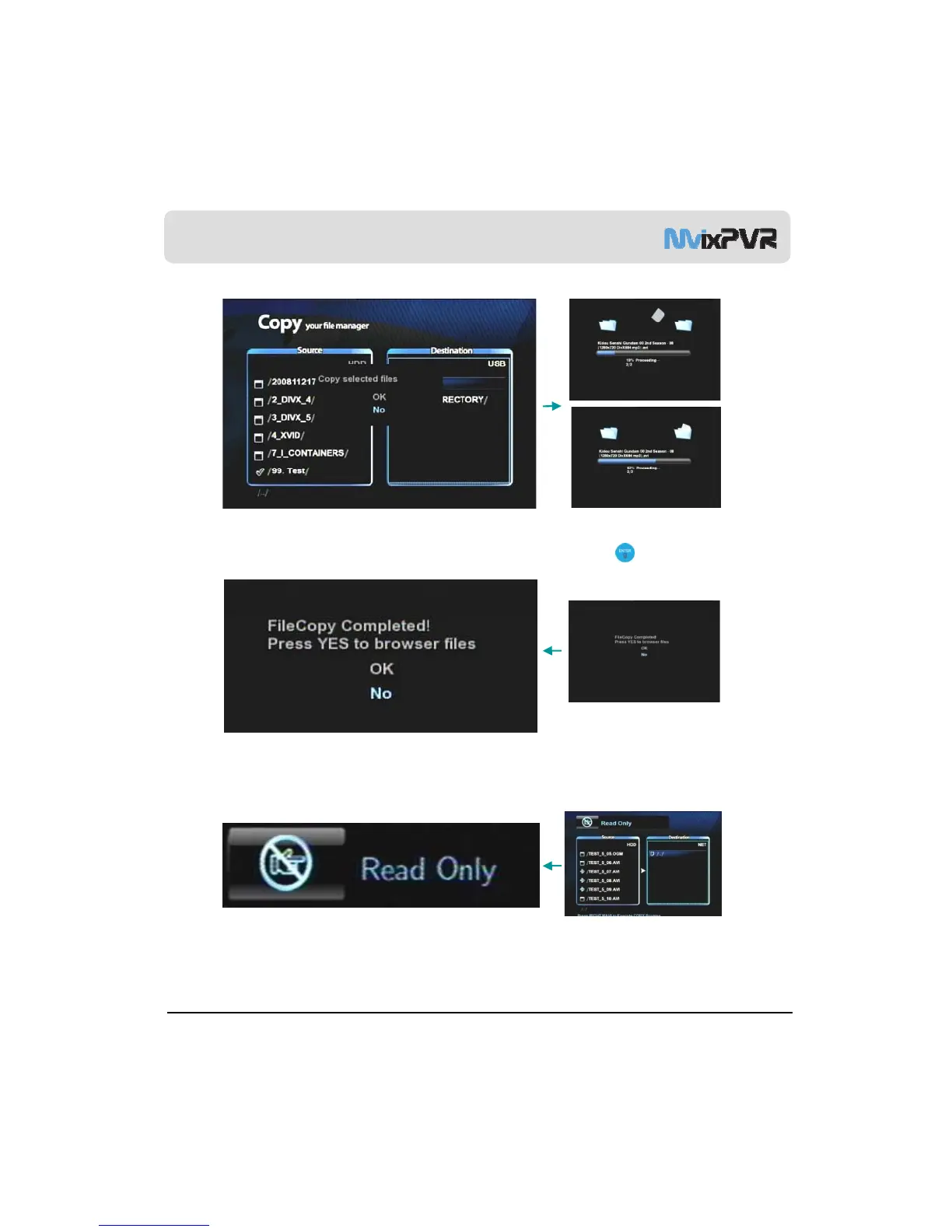
Check the original file to copy as shown above. Then, select the “copy to” position. Press right direction key in remote
controller to display a window asking for the status to proceed copy. Select OK and press ENTER in remote controller.
When copy proceeds, the above screen is displayed.
When copy is completed, the above screen is displayed. If OK is selected, the screen will display the browse file
menu. If No is selected, you will be returned to the first screen for copy.
MvixUSA
43
Refer to network setting in page 59 if the above message is displayed when attempting to copy files into a share
folder of a PC located on the network.



 To Next Page