15
About the MyStar Extra® Blood Glucose Monitoring System
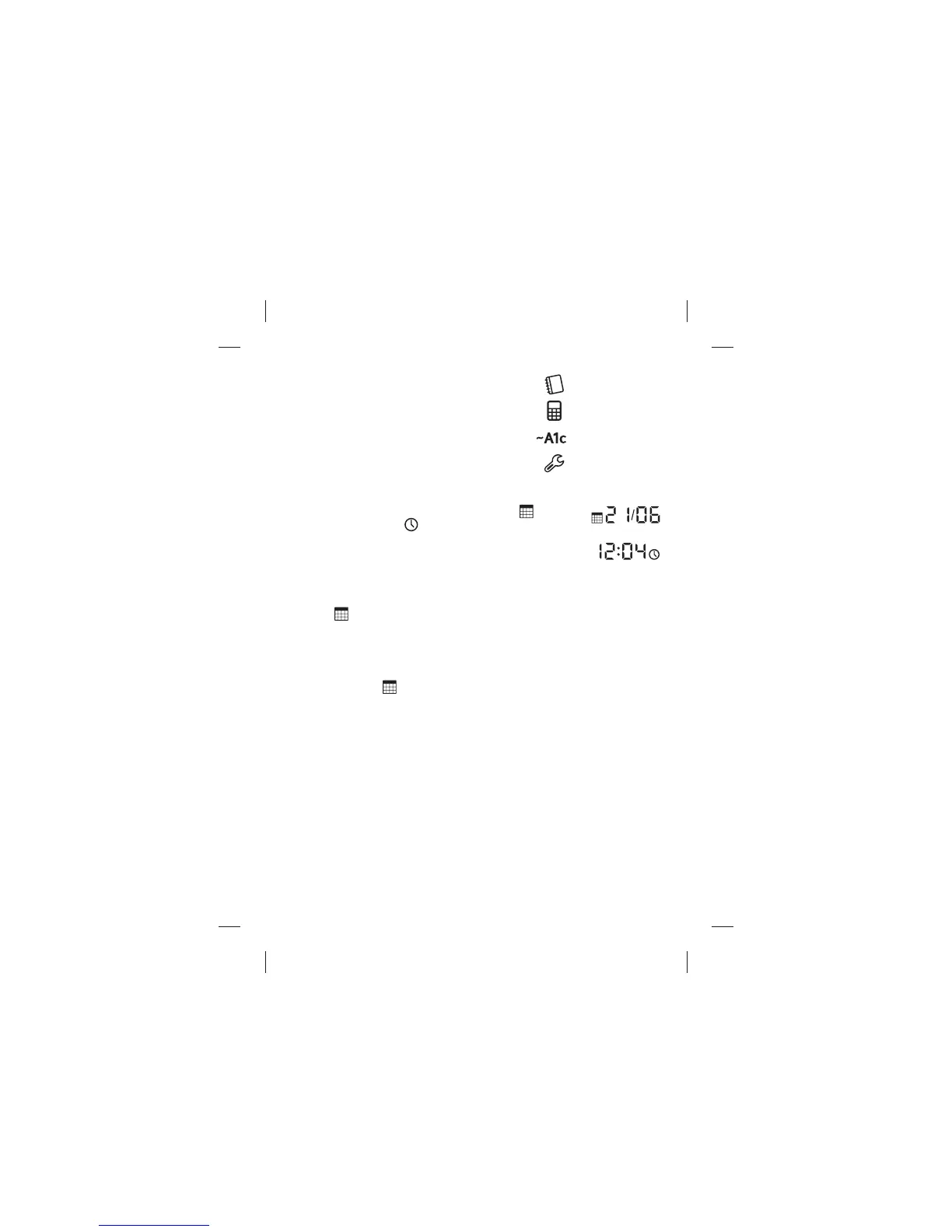
(8) Menu Icons: These icons represent the
four di erent modes:
(9) Date and Time Icons: The date icon (
)
and the time icon (
) are displayed next to
the date and time when you are in the settings
screen.
(10) Number of Days used for Average Calculations: The date
icon (
) is displayed on the averages screen to indicate the number
of days used in the average calculation.
(11) Number of Days remaining until your next pro le is needed:
The date icon (
) is displayed on the ~A1c results screen indicating
the number of days remaining until your next pro le is needed.
1. Logbook
2. Averages
3. Estimated A1c
4. Settings



 To Next Page