17
About the MyStar Extra® Blood Glucose Monitoring System
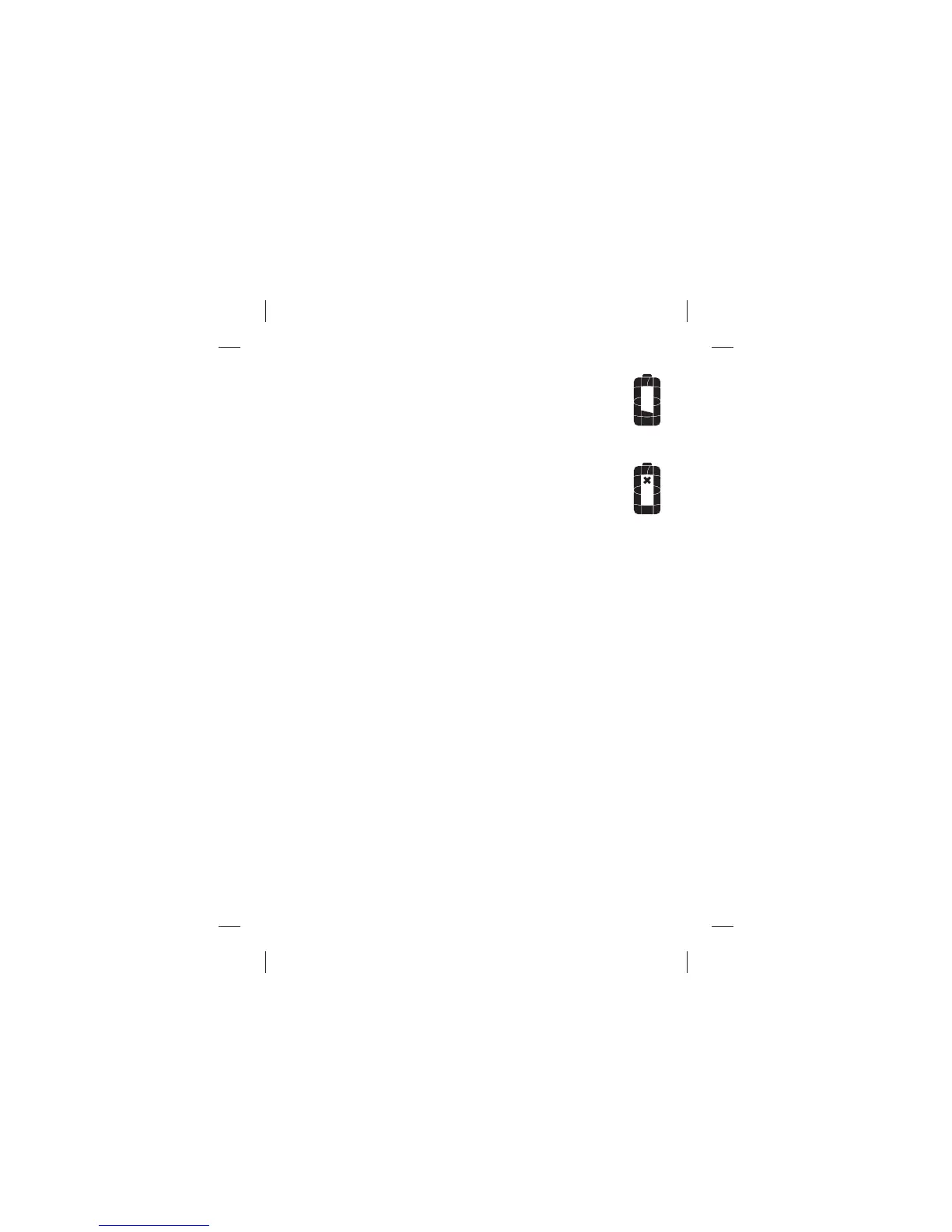
(15) Low Battery Icon: Appears when battery #2 (see
Chapter 12) in your meter is running low. For complete
instructions on identifying and changing your meter
batteries, refer to Chapter 12.
(16) Dead Battery Icon: Appears when battery #2 in your
meter is dead. For complete instructions on identifying
and changing your meter batteries, refer to Chapter 12.



 To Next Page