76
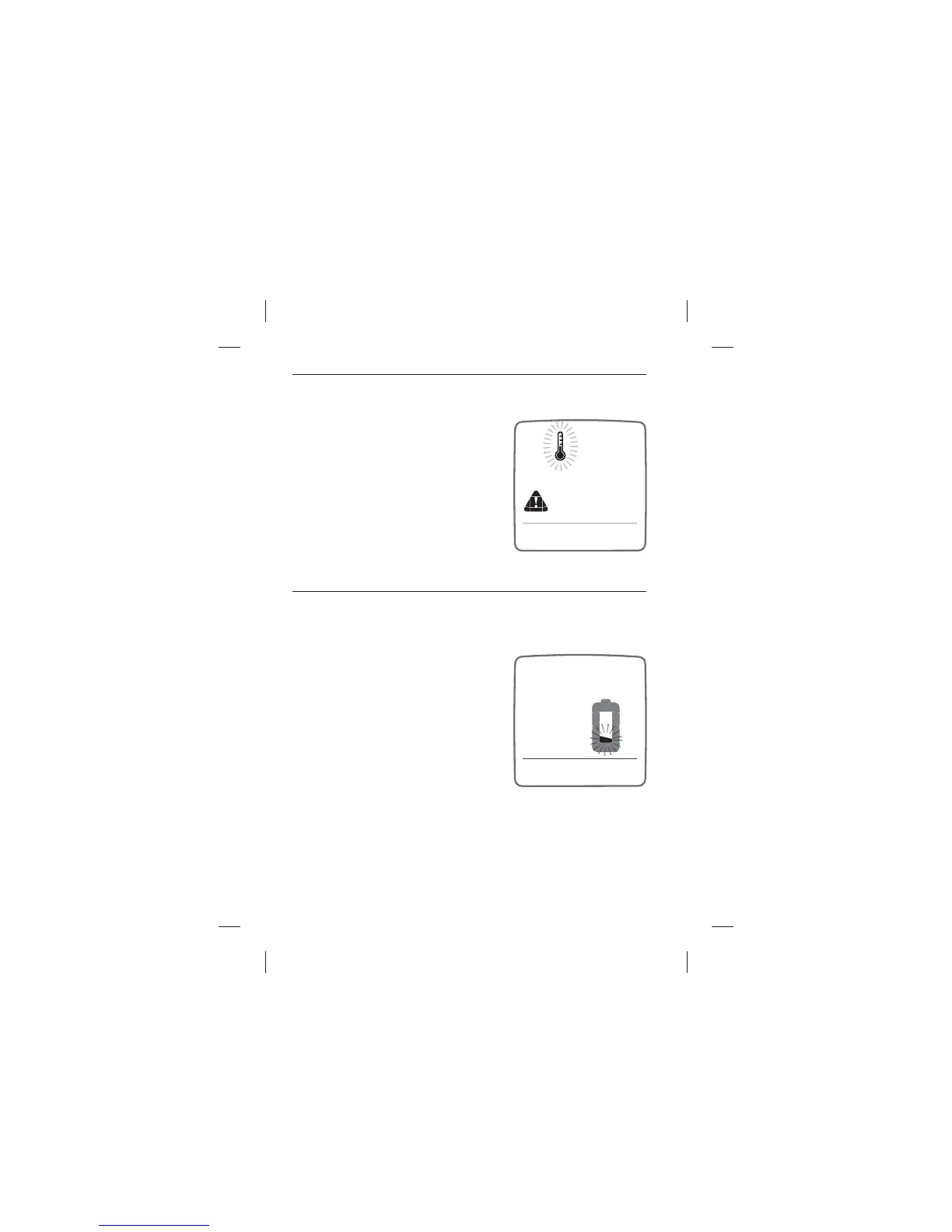
TEMPERATURE ICON: Flashing temperature icon.
MEANING: The meter is outside its
operating temperature range of 10°C
to 40°C or the test was performed
outside the system operating
temperature range of 10°C to 40°C.
ACTIONS: Move to an area with an
ambient temperature of 10°C to 40°C.
Wait for the meter and test strips to
reach the new temperature (usually
10-20 minutes) before using the meter or performing a test.
LOW BATTERY MESSAGE: A low battery icon ashes for two
seconds.
MEANING: The meter can perform less
than 20 tests before the battery dies.
Battery #2 in your meter is low.
ACTIONS: If the low battery icon
appears, battery #2 must be replaced.
Battery numbers are indicated by the
numbers printed on the pull-tabs. For
details about replacing your batteries,
refer to Chapter 12.
Display Messages



 To Next Page