77
Display Messages
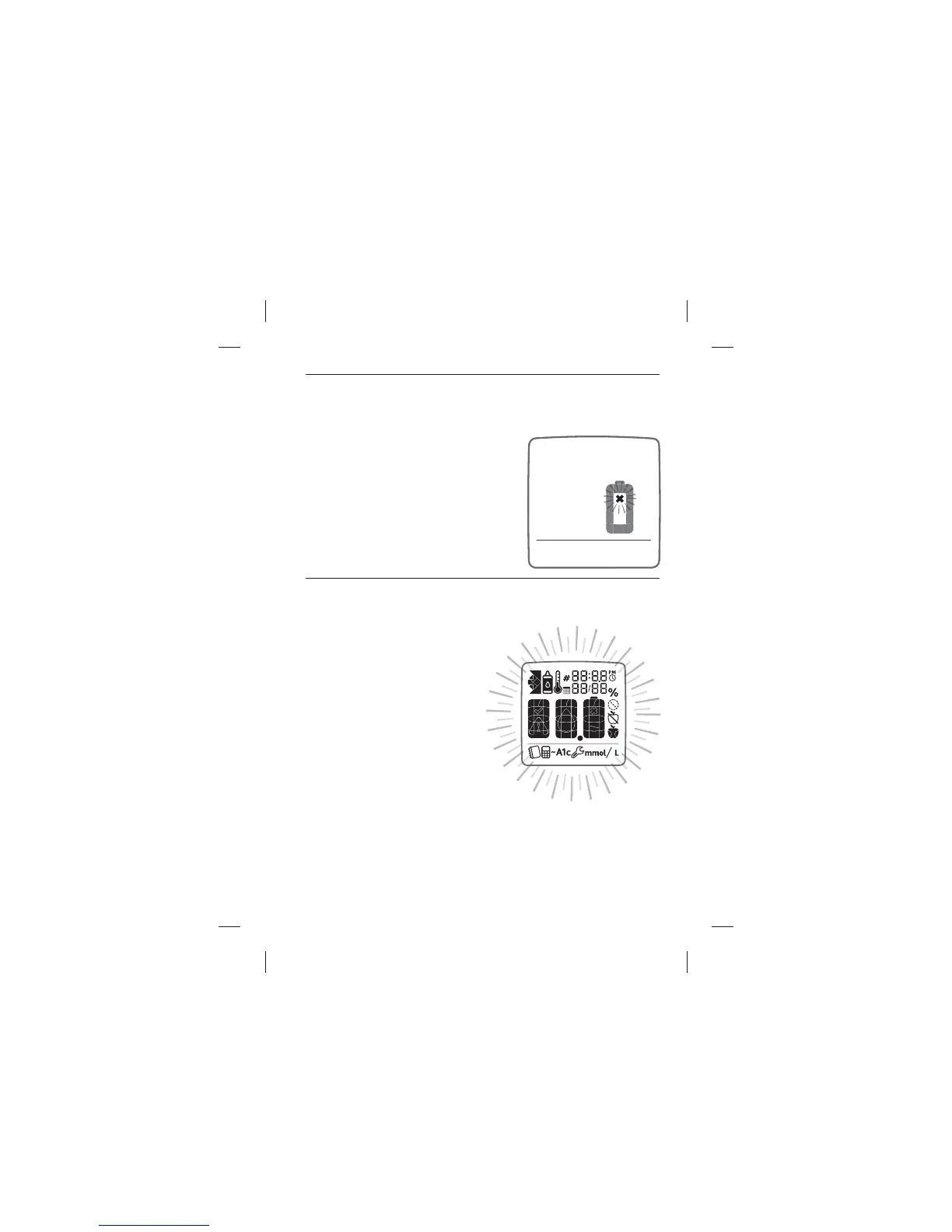
DEAD BATTERY MESSAGE: A dead battery icon ashes for three
seconds and then the meter turns o .
MEANING: Battery #2 in your meter is
dead.
ACTIONS: If the dead battery icon
appears, battery #2 must be replaced.
Battery numbers are indicated by the
numbers printed on the pull-tabs. For
details about replacing your batteries,
refer to Chapter 12.
LOW BACKLIGHT BATTERY: Backlight ashes twice on startup.
MEANING: Battery #1, which
powers the backlight, is low.
ACTIONS: If the backlight
ashes when the meter is
activated, battery #1 must
be replaced. Battery numbers
are indicated by the numbers
printed on the pull-tabs. For
details about replacing your
batteries, refer to Chapter 12.



 To Next Page