22 NAB EFTPOS User Guide
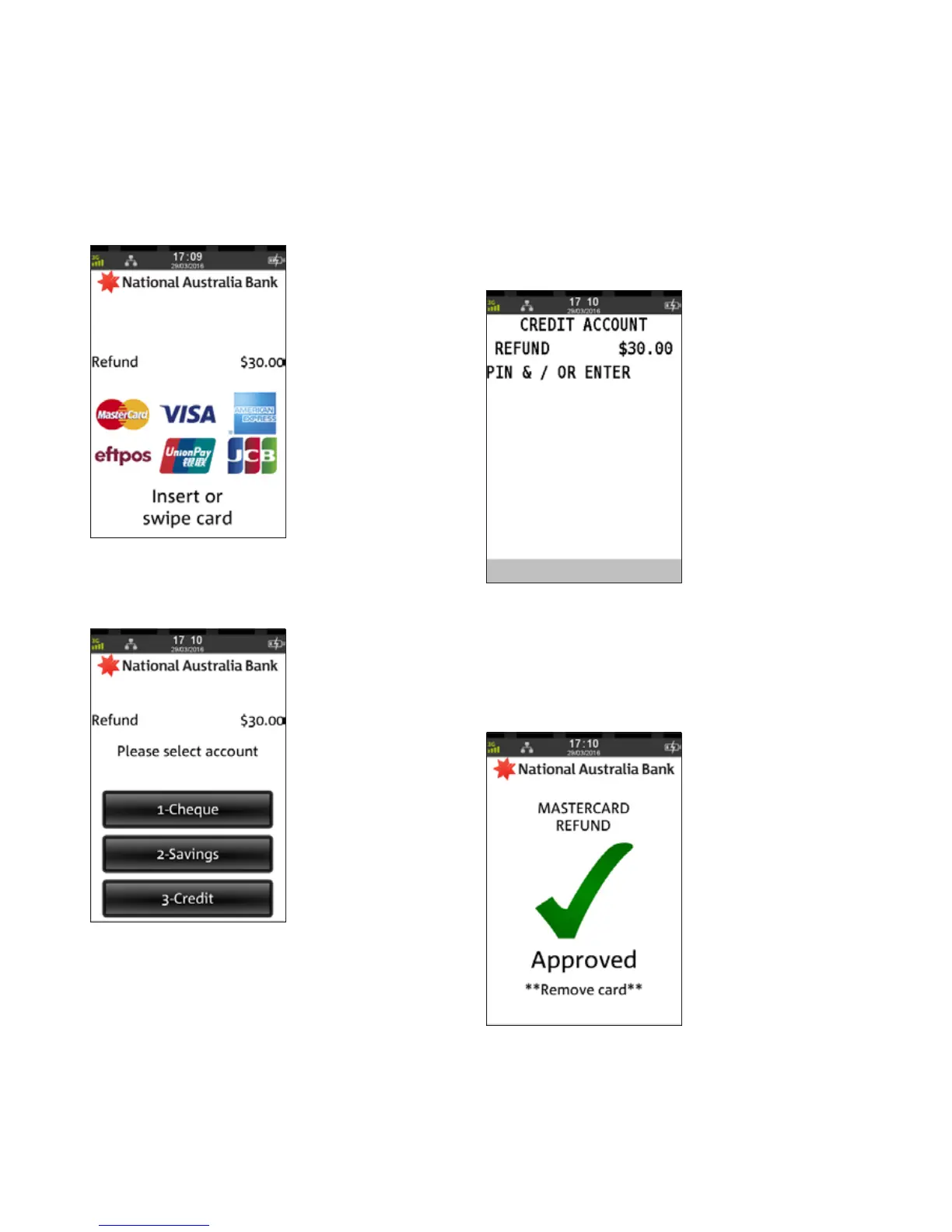
Step 6
Ask customer to INSERT or SWIPE their card
Step 7
Ask customer to select an account
Step 8
Ask customer to press ENTER to print the refund receipt to sign
Note: Even if a PIN is entered, a signed receipt will still
be required
Step 9
An acknowledgement displays once the refund has
been approved and the merchant receipt with signature
request will print
Remove card from the terminal.
REFUNDS
(CONTINUED)



 To Next Page