Nasuni Edge Appliance Initial Configuration Guide 8.3 102
Appendix B: Moving a VM to Another Host
Overview
If it becomes necessary to move the virtual machine, on which the Nasuni Edge Appliance runs, to
another host, you must perform a procedure to restore the “factory” settings, then reconfigure the
network settings.
Procedure
After moving the VM to a new host, you can use console commands to reset to “factory” settings, then
reconfigure the network settings.
Important: After making any changes, you must use the Nasuni Edge Appliance to enter those
settings so that the Nasuni Edge Appliance is consistent with the platform. This
applies to all changes.
To reset to “factory” settings, then reconfigure the network settings, follow these steps:
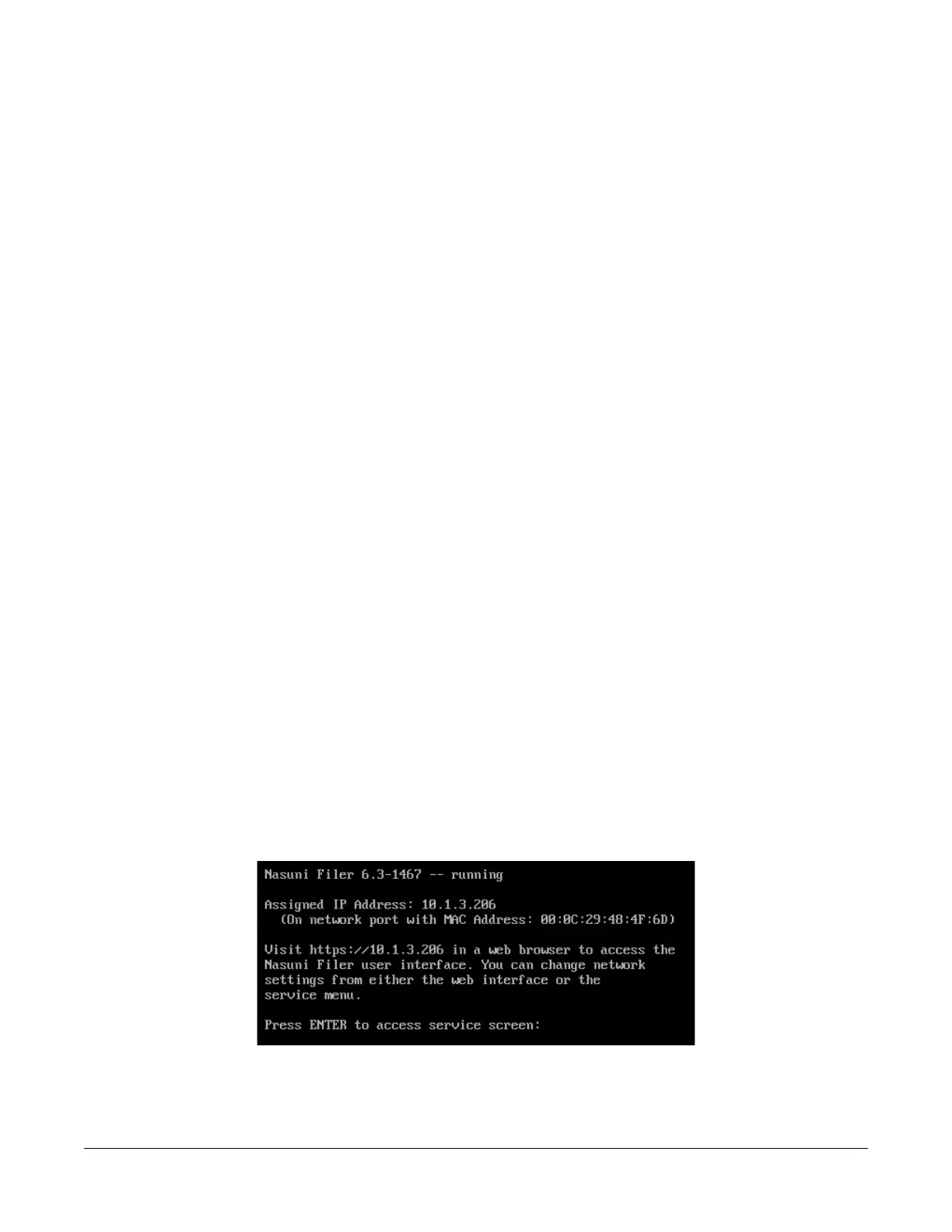
1. After moving the VM to a new host, access the console for the Nasuni Edge Appliance. For the
Nasuni Edge Appliance virtual machine, use the virtual machine console window. The console
prompt appears.
Figure B-1: Console prompt.



 To Next Page