Nasuni Edge Appliance Initial Configuration Guide 8.3 58
Accessing Volumes Mounting an NFS Export in Linux or UNIX
Mounting an NFS Export in Linux or UNIX
You can mount an NFS export in Linux or UNIX using the mount command.
Note: You must have export privileges to access the folder on the Nasuni Edge Appliance. See
“Editing an NFS Export” in the Nasuni Edge Appliance Administration Guide for more
details.
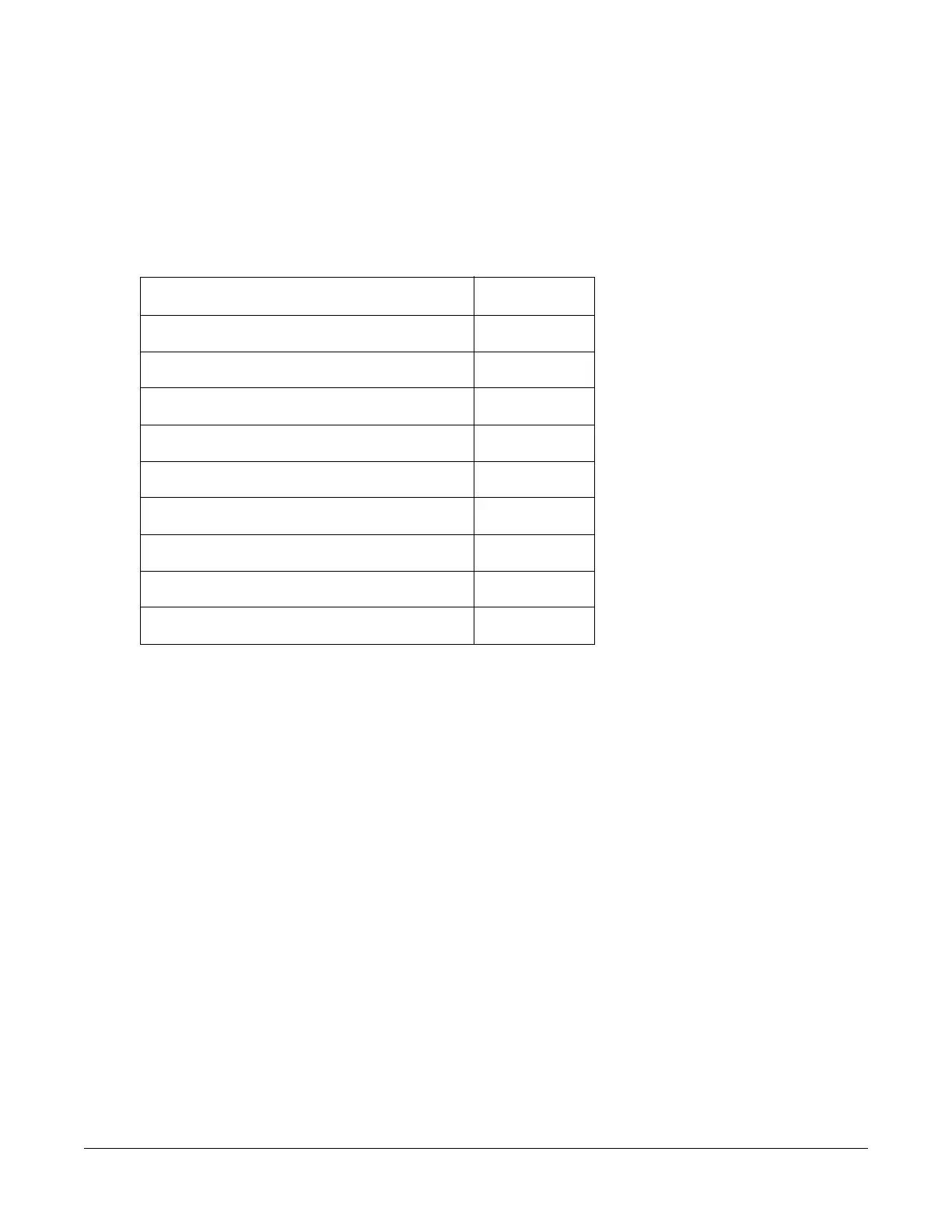
In UNIX and Linux, the default permissions for certain folders and files are as follows:
If you change the permissions on any of these folders and files, the Nasuni Edge Appliance preserves
your changes. However, new files still receive the default permissions of 444. The owner of each folder
can delete files in that folder.
To mount an NFS export in Linux or UNIX, enter the following command:
mount -t nfs <IP address>:/nfs/<exportname> <target>
where:
• IP address is the name or the IP address of the Nasuni Edge Appliance.
• exportname is the name of the NFS export on the Nasuni Edge Appliance.
• target is the name of the local directory.
Note: If the default options for the mount command do not work, use these explicit options:
mount -o tcp,nfsvers=3,timeo=600,rsize=16384,wsize=16384,hard
This version of the mount command includes these explicit options:
•TCP.
• 10-minute timeout.
• Read and write sizes of 16 KB.
• Hard mount (soft mounts can corrupt data).
Folder or file Permissions
.nasuni 500
.nasuni/sync_logs/ 500
Files in .nasuni/sync_logs/ 444
.nasuni/av_violations/ 500
Files in .nasuni/av_violations/ 444
.nasuni/file_alerts/ 500
Files in .nasuni/file_alerts/ 444
.nasuni/audit/ 500
Files in .nasuni/audit/ 444



 To Next Page