Nasuni Edge Appliance Initial Configuration Guide 8.3 96
Overview
Changing static IP address and other network parameters
You can use console commands to change network parameters such as the static IP address,
netmask, and MTU, as well as the hostname, default gateway, DNS servers, and search domains.
Important: After making any changes, you must use the Nasuni Edge Appliance to enter those
settings so that the Nasuni Edge Appliance is consistent with the platform. This
applies to all changes.
To change the static IP address and other network parameters at the console, follow these steps:
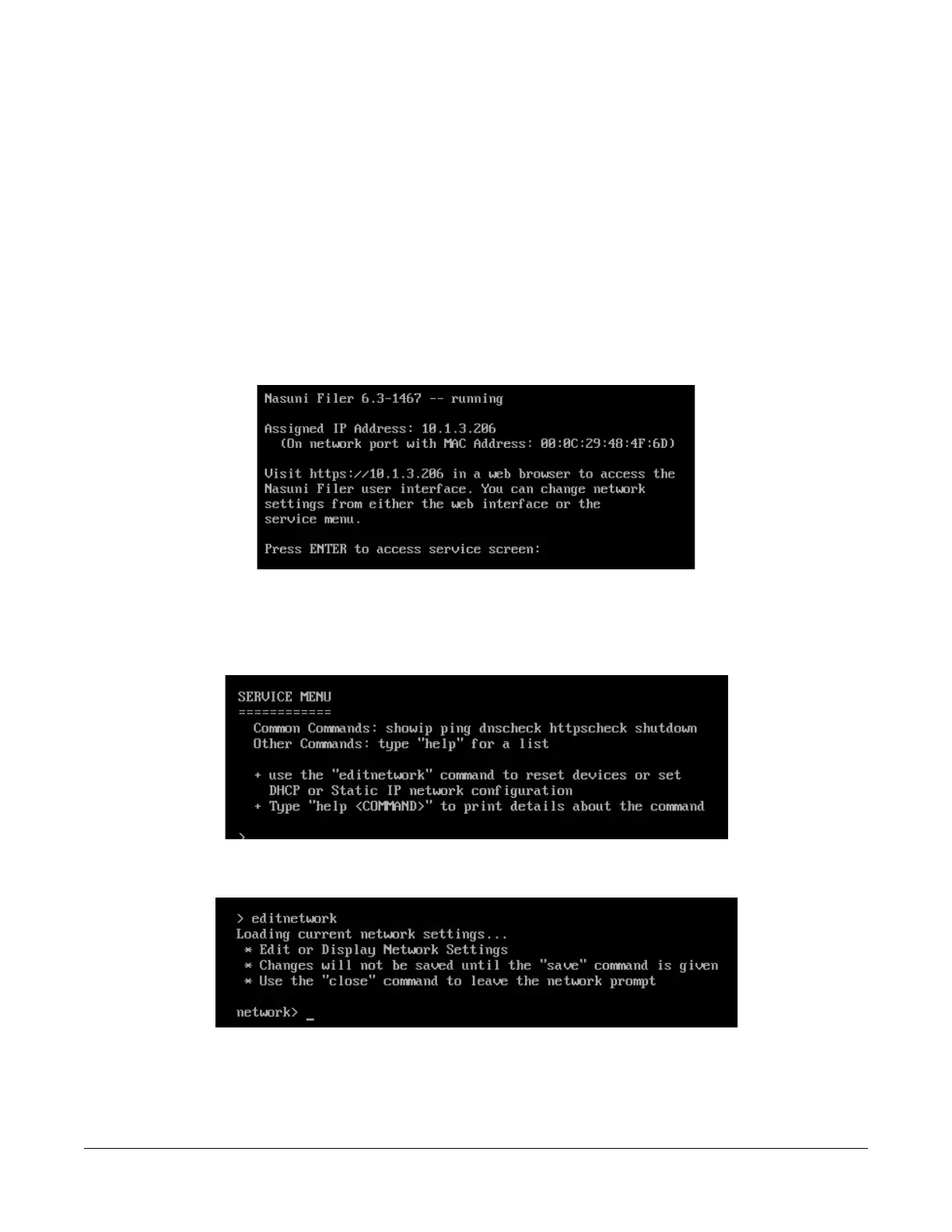
1. Access the console for the Nasuni Edge Appliance. For the Nasuni Edge Appliance hardware
appliance, use a keyboard and monitor attached to the hardware appliance. For the Nasuni
Edge Appliance virtual machine, use the virtual machine console window. The console prompt
appears.
Figure A-11: Console prompt.
2. Press Enter to access the Service menu. The login prompt appears. Enter the username and
password. The login username is service, and the default password is service. The Service
Menu appears.
Figure A-12: Service Menu.
3. Enter editnetwork at the prompt. The network prompt appears.
Figure A-13: Network prompt.



 To Next Page