Nasuni Edge Appliance Initial Configuration Guide 8.3 24
Configuring the Nasuni Edge Appliance SSL Security Certificate
Example using Google Chrome
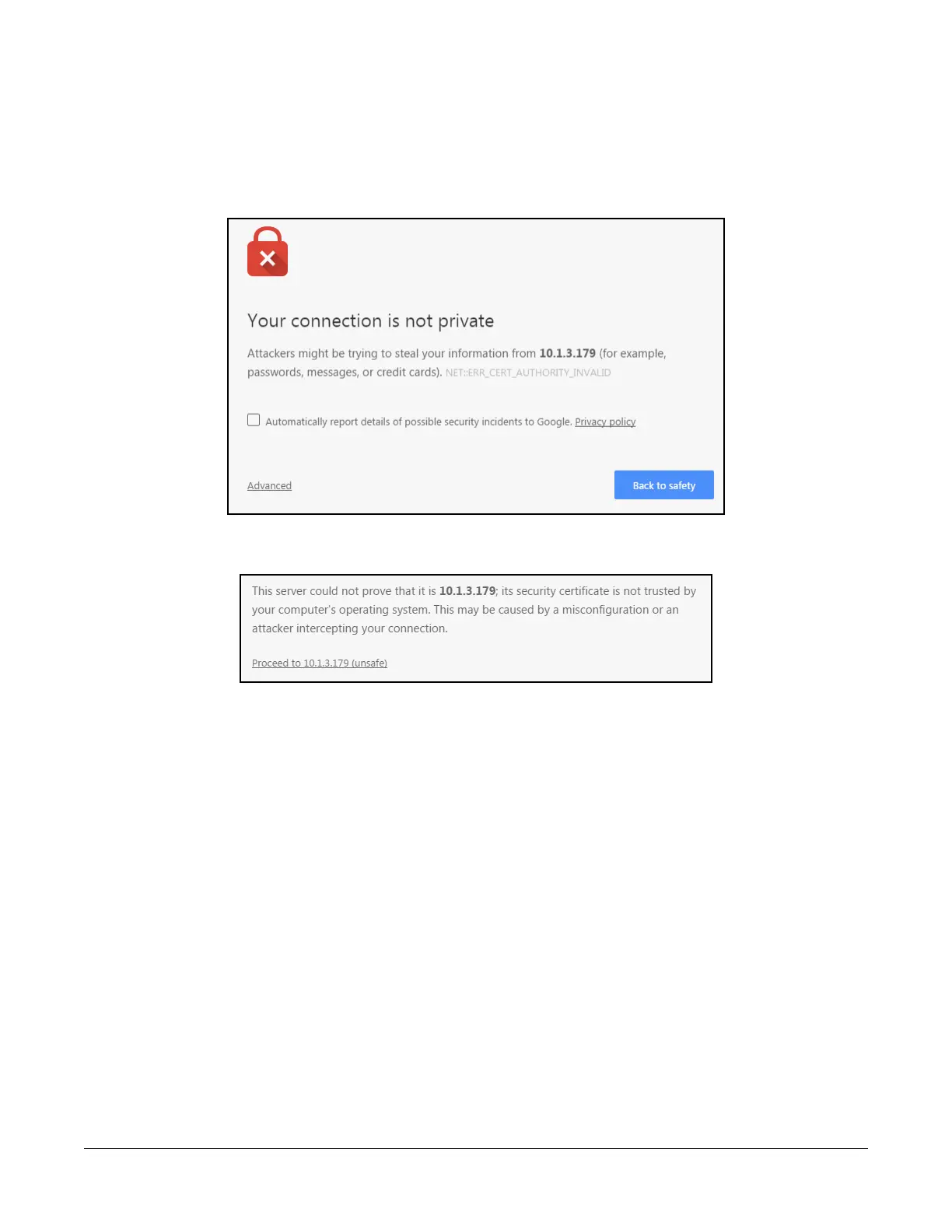
This is an example of what you might see using the Google Chrome Web browser:
1. Open a Web browser and enter the IP address provided by the IT specialist who initially set up
the Nasuni Edge Appliance. The “Your connection is not private” page appears.
Figure 1-4: “Your connection is not private” page.
2. Click Advanced. The “Your connection is not private” Advanced pane appears.
Figure 1-5: “Your connection is not private” Advanced pane.
3. Click Proceed.
4. Continue with “Network Settings” on page 26.



 To Next Page