Nasuni Edge Appliance Initial Configuration Guide 8.3 23
Configuring the Nasuni Edge Appliance SSL Security Certificate
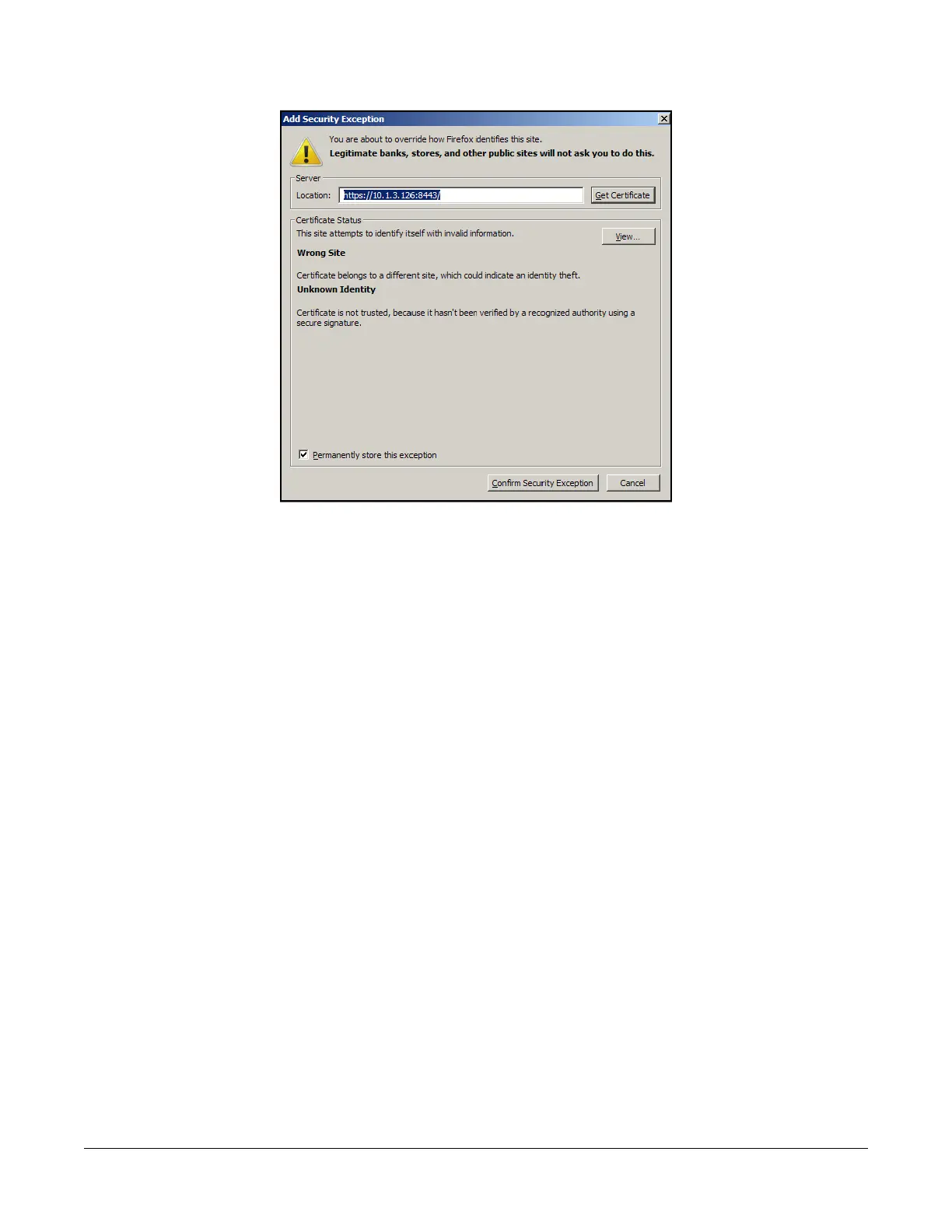
3. Click Add Exception. The Add Security Exception dialog box appears.
Figure 1-3: Add Security Exception dialog box.
4. Click Get Certificate.
5. Click Confirm Security Exception.
6. Open a Web browser and enter the IP address again.
7. Continue with “Network Settings” on page 26.



 To Next Page