Nasuni Edge Appliance Initial Configuration Guide 8.3 74
Accessing Volumes Nasuni Mobile Access
Manually entering paths
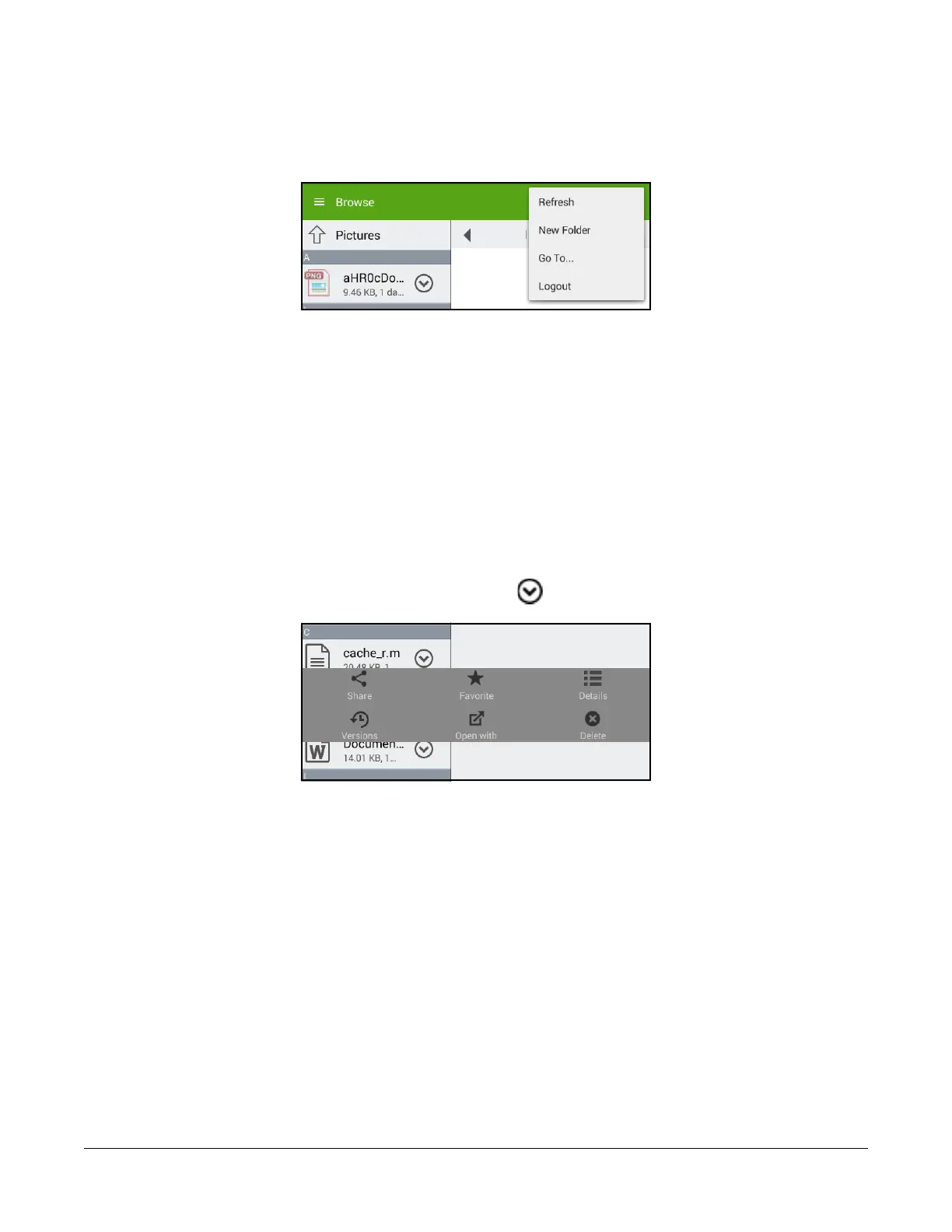
To manually enter a path to a file or folder, tap the three-dot icon in the upper right corner. A drop-down
menu appears.
Figure 2-25: Drop-down menu.
Tap Go to. The “Go to Path” dialog box appears. Enter the path, then tap Browse. The specified path
opens.
Caution: The length of a path, including the file name, must be less than 4,000 bytes. Since the
Unicode representation of a character can occupy several bytes, the maximum
number of characters that a file path might contain can vary.
File Operations
Viewing details about a file
To view information about a file, tap the drop-down icon beside its name. The drop-down menu
pane appears.
Figure 2-26: Drop-down menu pane.



 To Next Page