Nasuni Edge Appliance Initial Configuration Guide 8.3 73
Accessing Volumes Nasuni Mobile Access
Folder-Level Tasks
Opening a CIFS share or folder
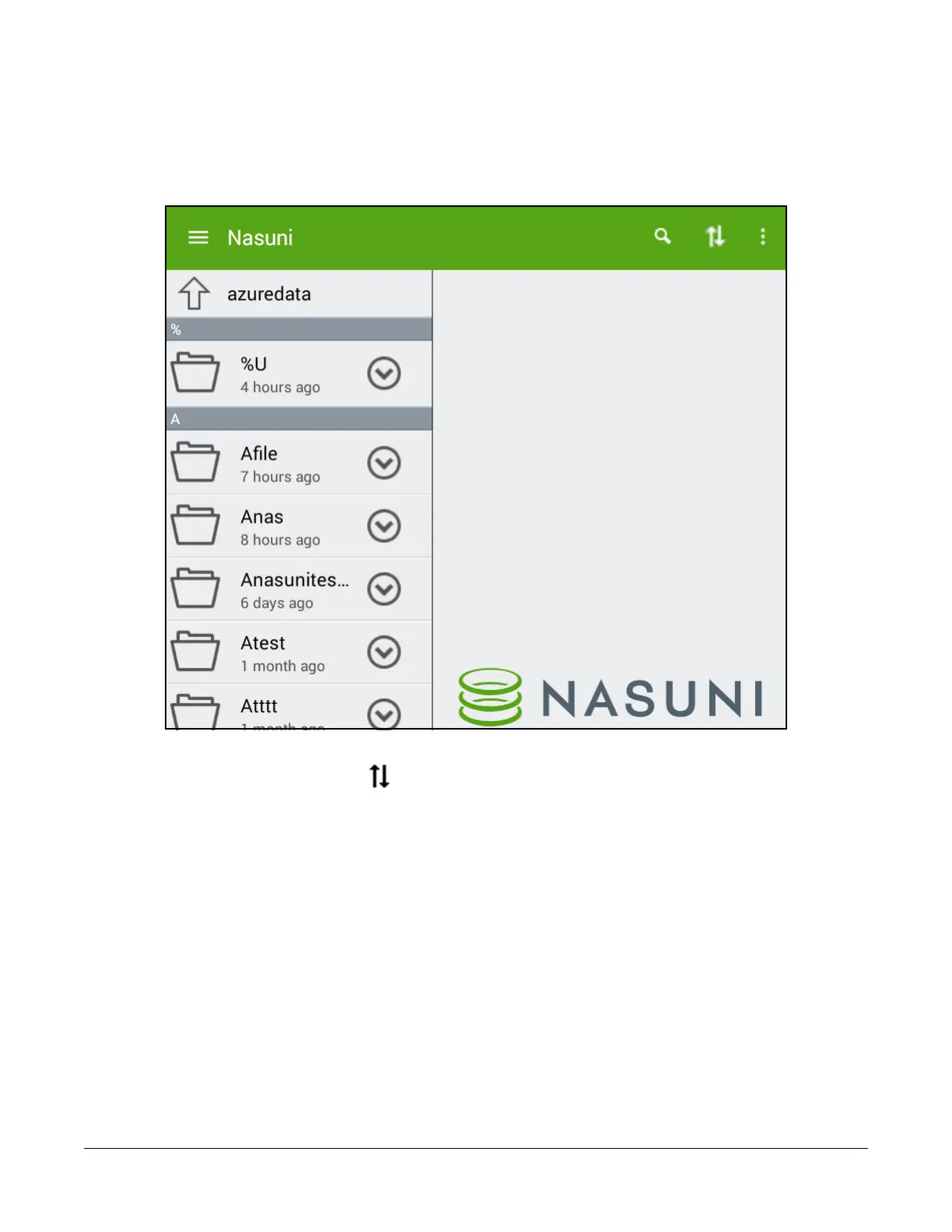
To open a CIFS share or folder, tap the name of that CIFS share or folder. The contents appear as a list.
Figure 2-24: List of folders.
To sort the display, tap the Sort icon at the top right. From the drop-down list, select one of the
following:
Name: To sort the list by name of the item.
Modified Time: To sort the list by the time the item was last modified.
Type: To sort the list by type of item.
Tip: For iOS, the same sort options appear at the top of the list of folders and files.
Navigating folder hierarchy
To navigate to a higher point in the folder hierarchy, tap the upward-facing arrow button at the top left.
Tip: For iOS, tap the leftward-facing arrow button at the top left.



 To Next Page