Nasuni Edge Appliance Initial Configuration Guide 8.3 22
Configuring the Nasuni Edge Appliance SSL Security Certificate
SSL Security Certificate
By default, the Nasuni Edge Appliance is preloaded with a self-signed SSL certificate that is unique to
the Nasuni Edge Appliance. For this reason, when you attempt to access the Nasuni Edge Appliance
Home page for the first time, a message might appear indicating that the security certificate is not
trusted. You can still access the site to proceed with the initial configuration procedure.
Note: To add a new SSL certificate, see “SSL Server and Client Certificates” in the Nasuni Edge
Appliance Administration Guide.
Example using Mozilla Firefox
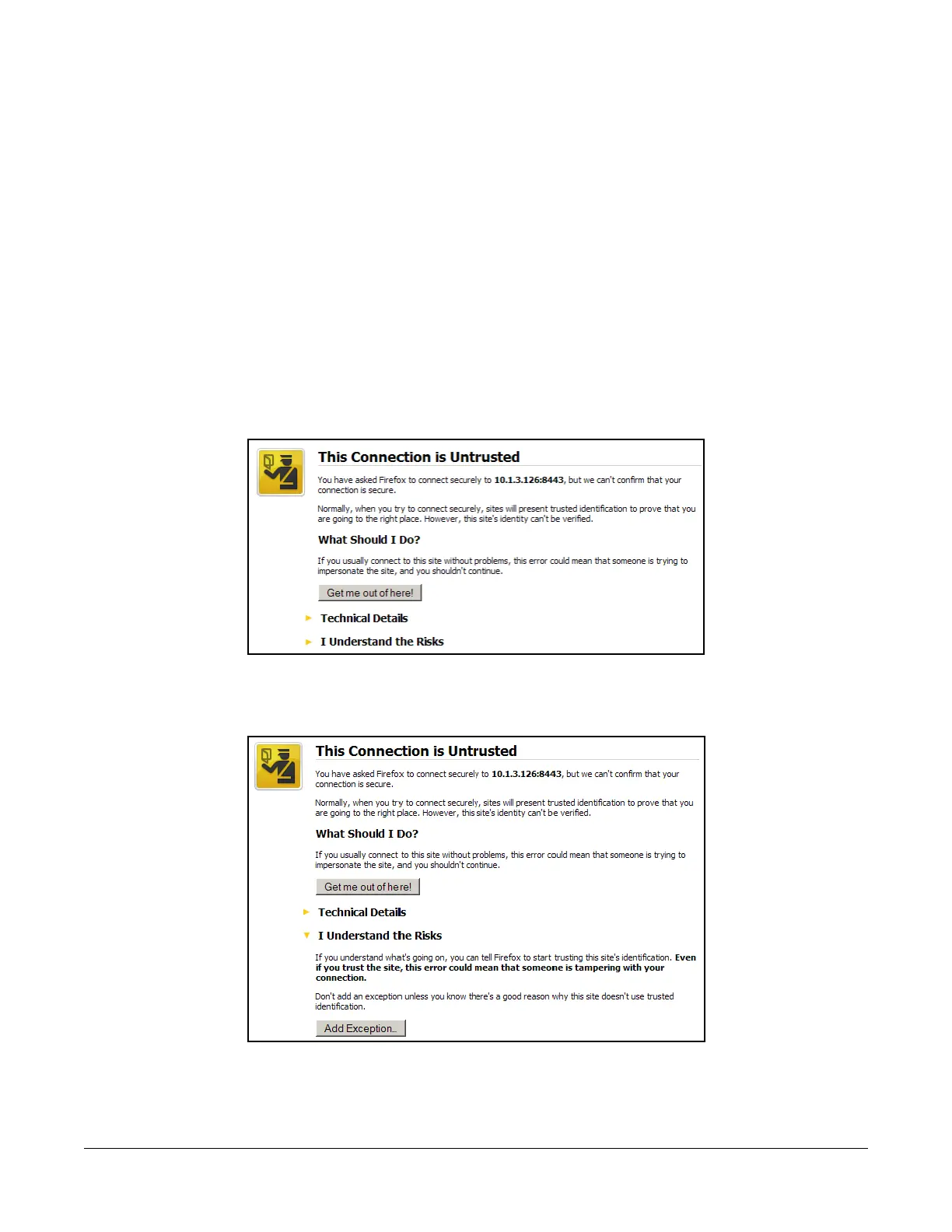
This is an example of what you might see using the Mozilla Firefox Web browser:
1. Open a Web browser and enter the IP address provided by the IT specialist who initially set up
the Nasuni Edge Appliance. The This Connection is Untrusted page appears.
Figure 1-1: “This Connection is Untrusted” page.
2. Click I Understand the Risks. An expanded version of the This Connection is Untrusted page
appears.
Figure 1-2: “This Connection is Untrusted” page.



 To Next Page