Nasuni Edge Appliance Initial Configuration Guide 8.3 90
Appendix A: IP Address Configuration
Overview
You can change the IP address of the Nasuni Edge Appliance using commands on the console. For
example, you might want to change the IP address if you do not want to use the initial default IP
address, or if the current IP address is not valid. Also, if you make an entry error when setting network
parameters, you can correct it using the IP address configuration commands in this section.
Using console commands
Console commands enable you to obtain information about the network configuration, and modify
values of the network configuration.
Note: Console commands are not available on the Microsoft Azure or Amazon EC2 virtual
platforms.
To access console commands, follow these steps:
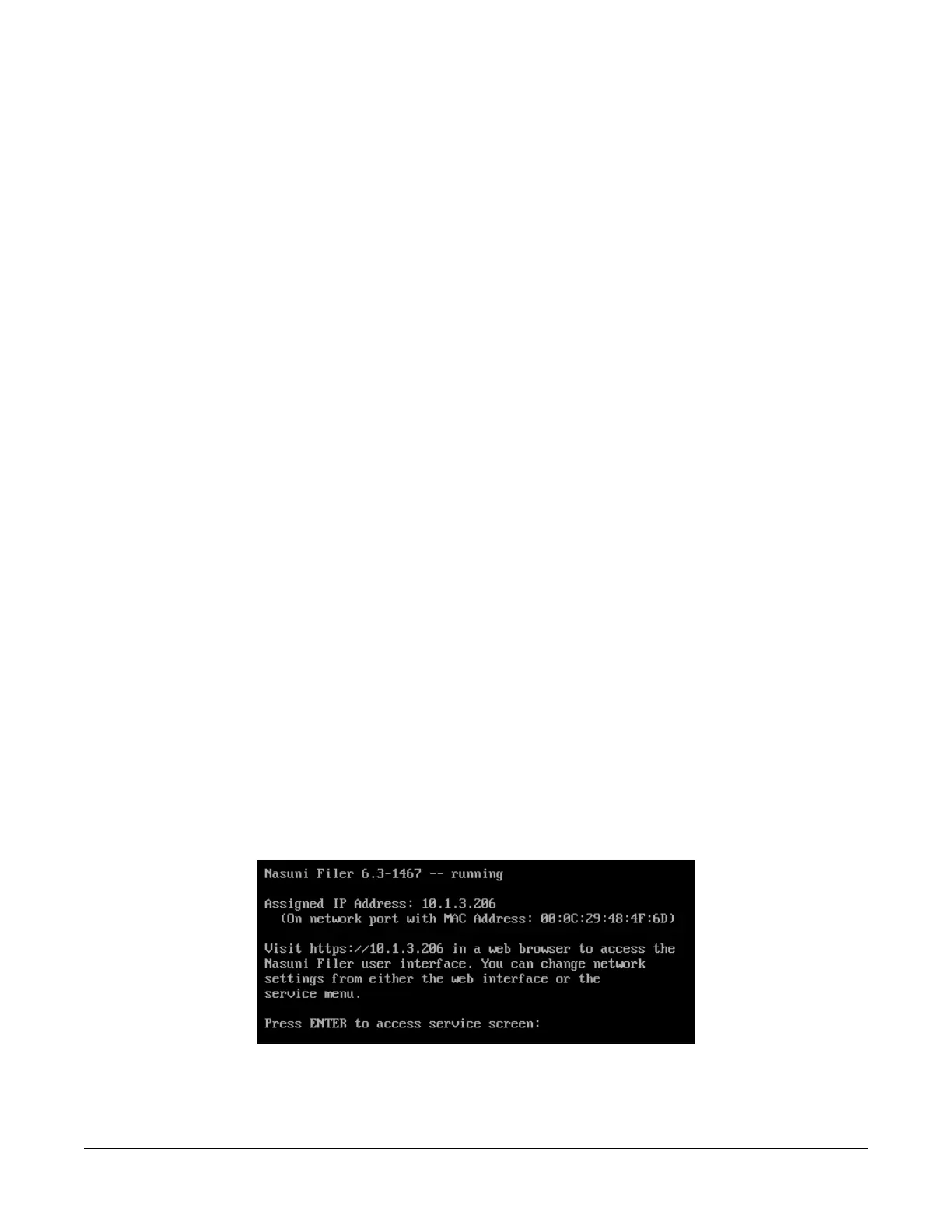
1. Access the console for the Nasuni Edge Appliance. For the Nasuni Edge Appliance hardware
appliance, use a keyboard and monitor attached to the hardware appliance. For the Nasuni
Edge Appliance virtual machine, use the virtual machine console window. The console prompt
appears.
Figure A-1: Console prompt.



 To Next Page