Nasuni Edge Appliance Initial Configuration Guide 8.3 72
Accessing Volumes Nasuni Mobile Access
Using the Nasuni Mobile Access application
See Mobile Access Quick Reference Worksheet for a worksheet for planning Nasuni Mobile Access
configurations.
This section presents some of the actions that you can perform using mobile devices. Some of the
actions available depend on which mobile platform you are using.
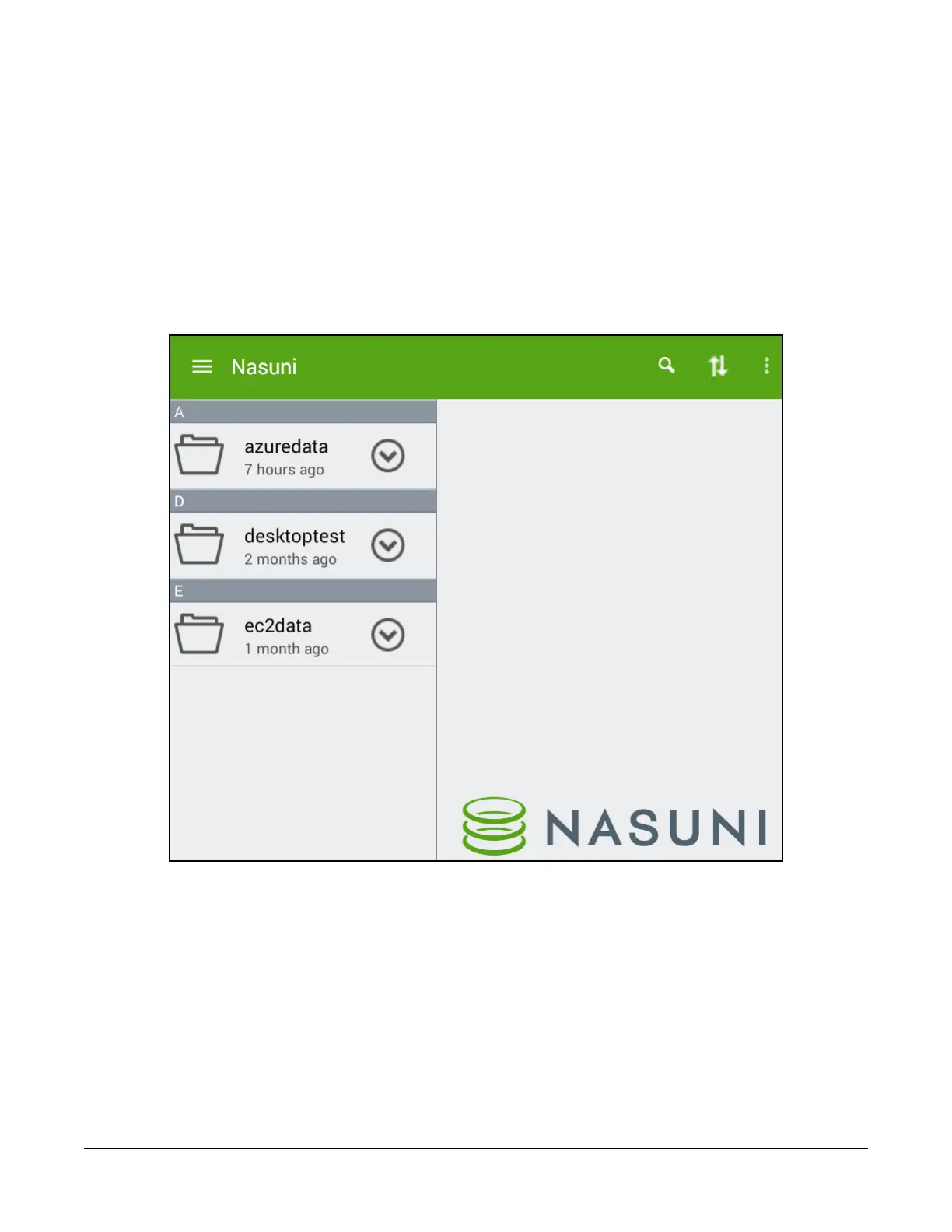
Tip: The figures show images from an Android tablet. The screens might appear different on
other mobile platforms.
After you log in to the Nasuni Mobile Access application, a list of the CIFS shares available on this
Nasuni Edge Appliance appears.
Figure 2-23: Shares available on mobile device.



 To Next Page