Nasuni Edge Appliance Initial Configuration Guide 8.3 61
Accessing Volumes Web Access
Opening a CIFS share or directory
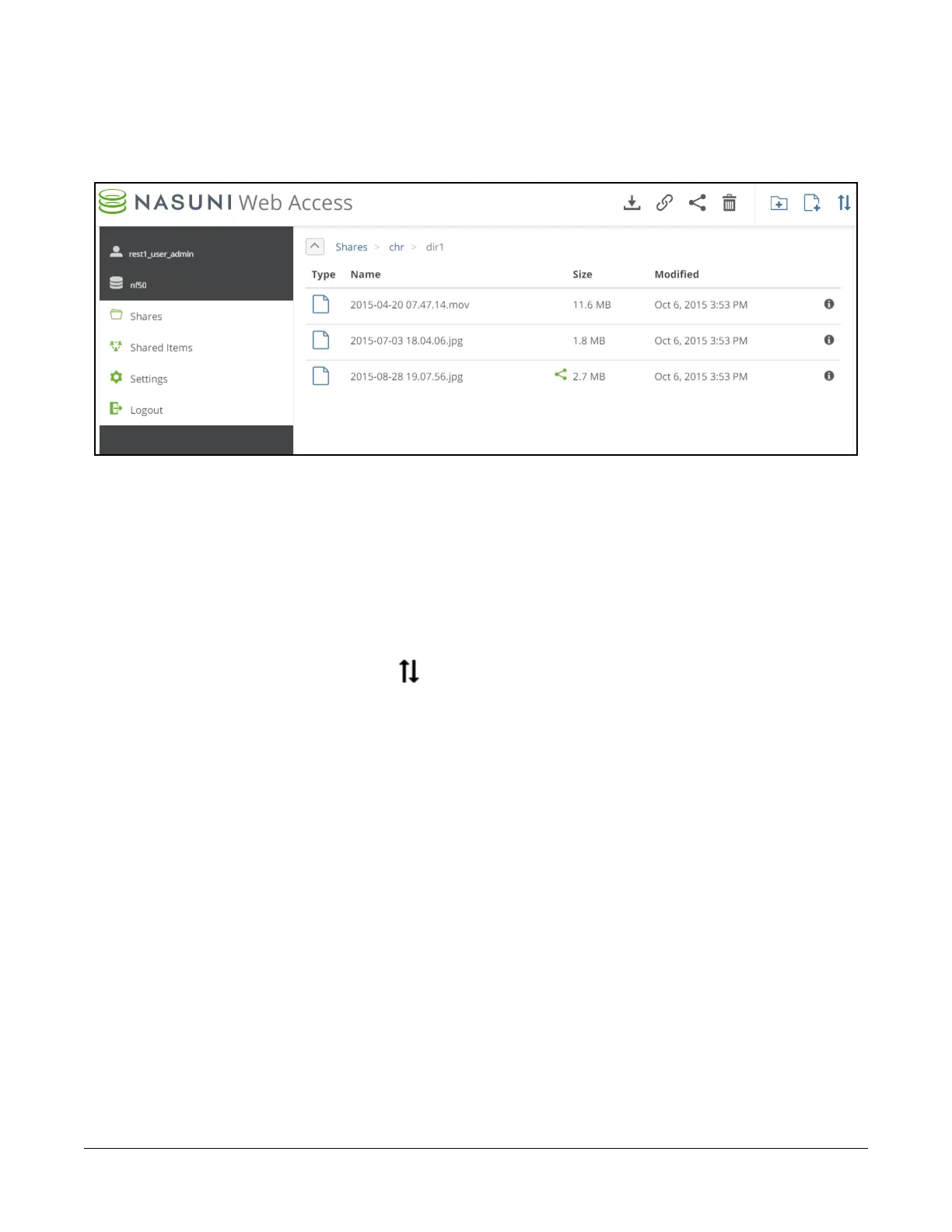
To open a CIFS share or directory, click the name of that CIFS share or directory. The contents appear
as a list.
Figure 2-9: Contents of directory.
The path to the directory appears above the list on the left. To navigate to a higher point in the directory
hierarchy, click one of the directory names in the path.
Caution: The length of a path, including the file name, must be less than 4,000 bytes. Since the
Unicode representation of a character can occupy several bytes, the maximum
number of characters that a file path might contain can vary.
Sorting directory
To sort the display, click the Sort button in the upper right, then select Type, Name, Size, or
Modified from the list.
Uploading file
Tip: Before adding data to a Nasuni Edge Appliance, it is a Best Practice to clean up historical
and orphaned SIDs. This can help prevent later difficulties with permissions. For more
details, see
CIFS Permissions Best Practices.



 To Next Page