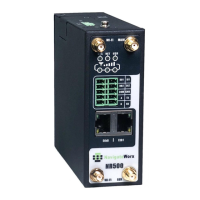
Industrial Cellular VPN Router NR500 Series User Manual
Page 20 / 78
Chapter 3. Access to Web page
3.1 PC Configuration
NR500 router contains a DHCP server which will automatically assign an IP address to your PC,
however in some cases the user may need to change the network settings on their PC to accept
the IP address from the NR500. or you can configure a static IP address manually.
• Obtain an IP address automatically
The process required to do this differs depending on the version of Windows you are using.
NOTE: The following steps are based on Windows 7.
select Start » Control Panel » Network Connections. Right click Local Area Connection and select
Properties to open the configuration dialog box for Local Area Connection. Select Internet
Protocol (TCP/IP) and click Properties to open the TCP/IP configuration window. On the General
tab, select Obtain an IP address automatically and Obtain DNS server address automatically.
Click OK to complete TCP/IP configuration.


 To Next Page
 Loading...