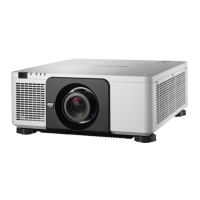
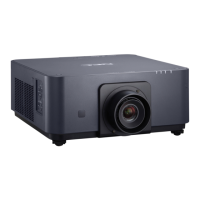
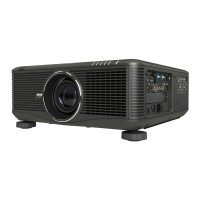
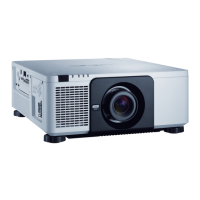
5
1. Introduction
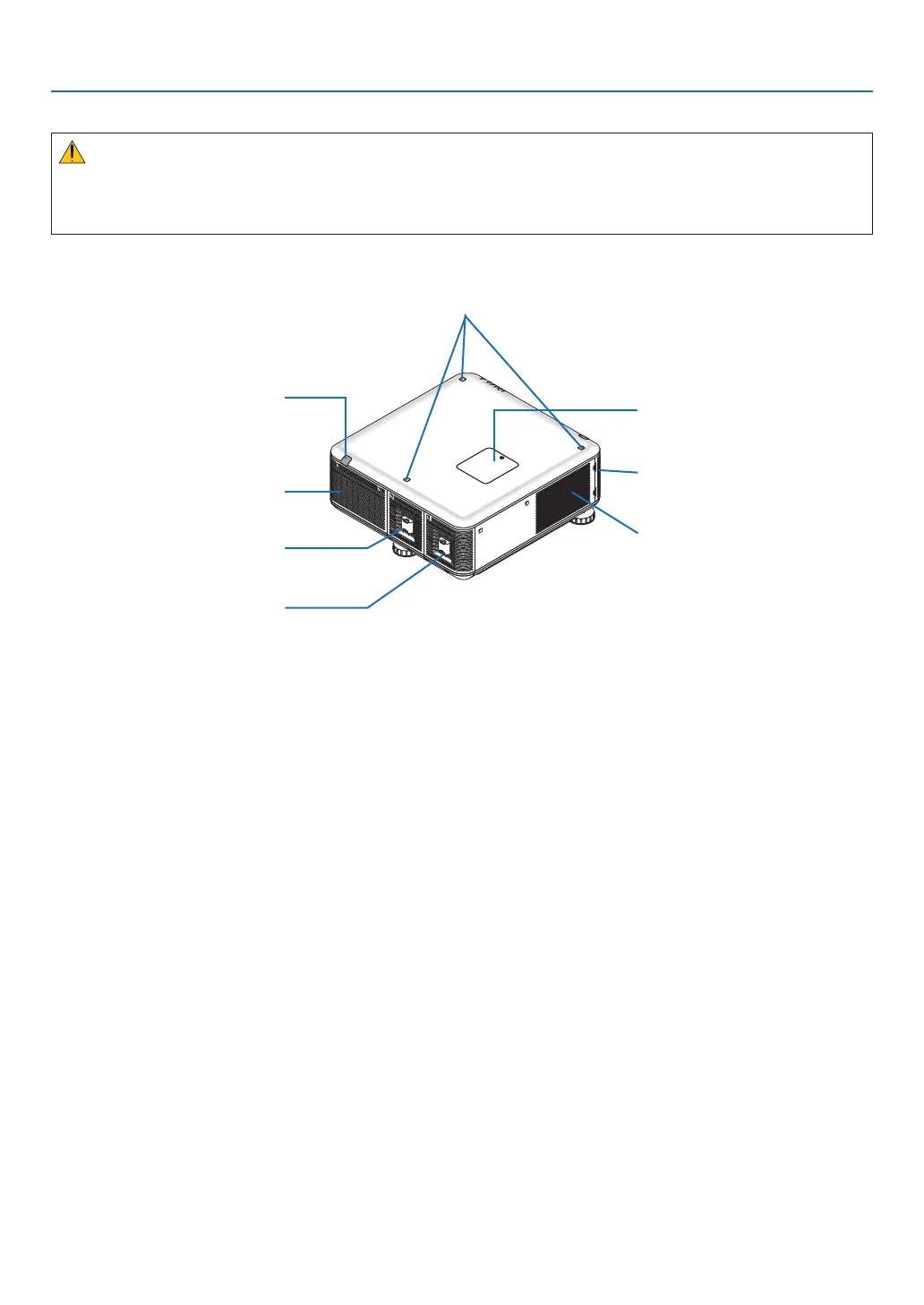
Rear
CAUTION:
PartsoftheprojectormaybecometemporarilyheatediftheprojectoristurnedoffwiththePOWERbuttonorifthe
ACpowersupplyisdisconnectedduringnormalprojectoroperation.
Usecautionwhenpickinguptheprojector.
Remote Sensor (located on the
front and the rear)
(→ page 9)
Color Wheel Cover
(→ page 215)
Ventilation (inlet)
Filter Cover (→ page 177, 183)
Ventilation (outlet)
Heated air is exhausted from here.
Lamp Cover (1)
(→ page 181, 182)
Lamp Cover (2)
(→ page 181, 182)
Stacking Holder
(3 locations)



 To Next Page