5-8 Using External Devices
Connect audio jacks, like a microphone, headphones, or external
speakers to the audio ports as follows.
1. Locate the audio port that you want to use.
2. Plug the jack into the port on the side of the NEC Versa.
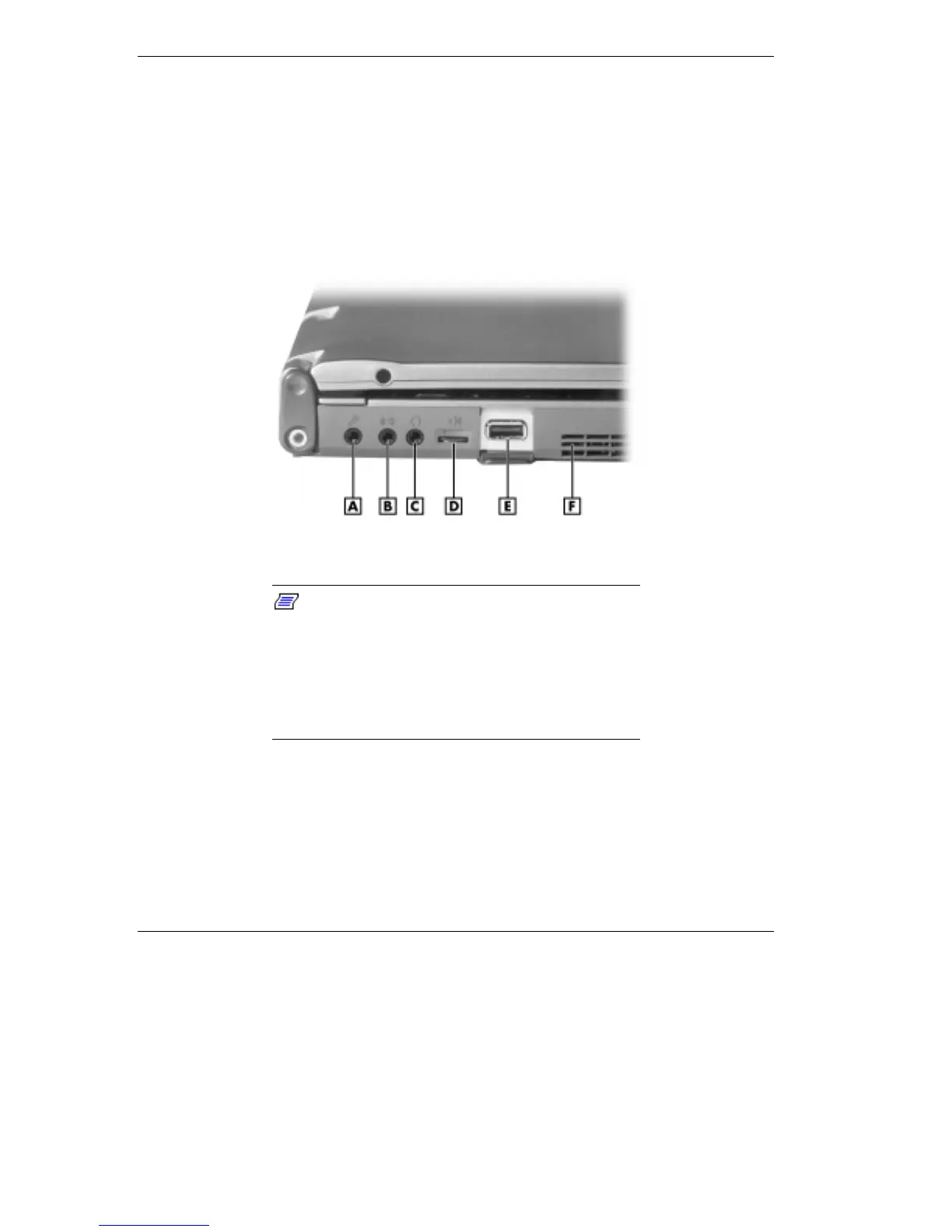
Audio ports
A
- Microphone
B
- Line-In
C
- Headphones/Speaker
D
- Volume Knob
E
- USB Port
F
- Fan Vent
Note:
If you are using external speakers or an
external microphone and experience sound
distortion or feedback, lower the volume.
Some feedback is caused by having the microphone
and speakers too close to each other, so moving the
external audio option away from the unit may also
help.



 To Next Page