Using the Software 3-3
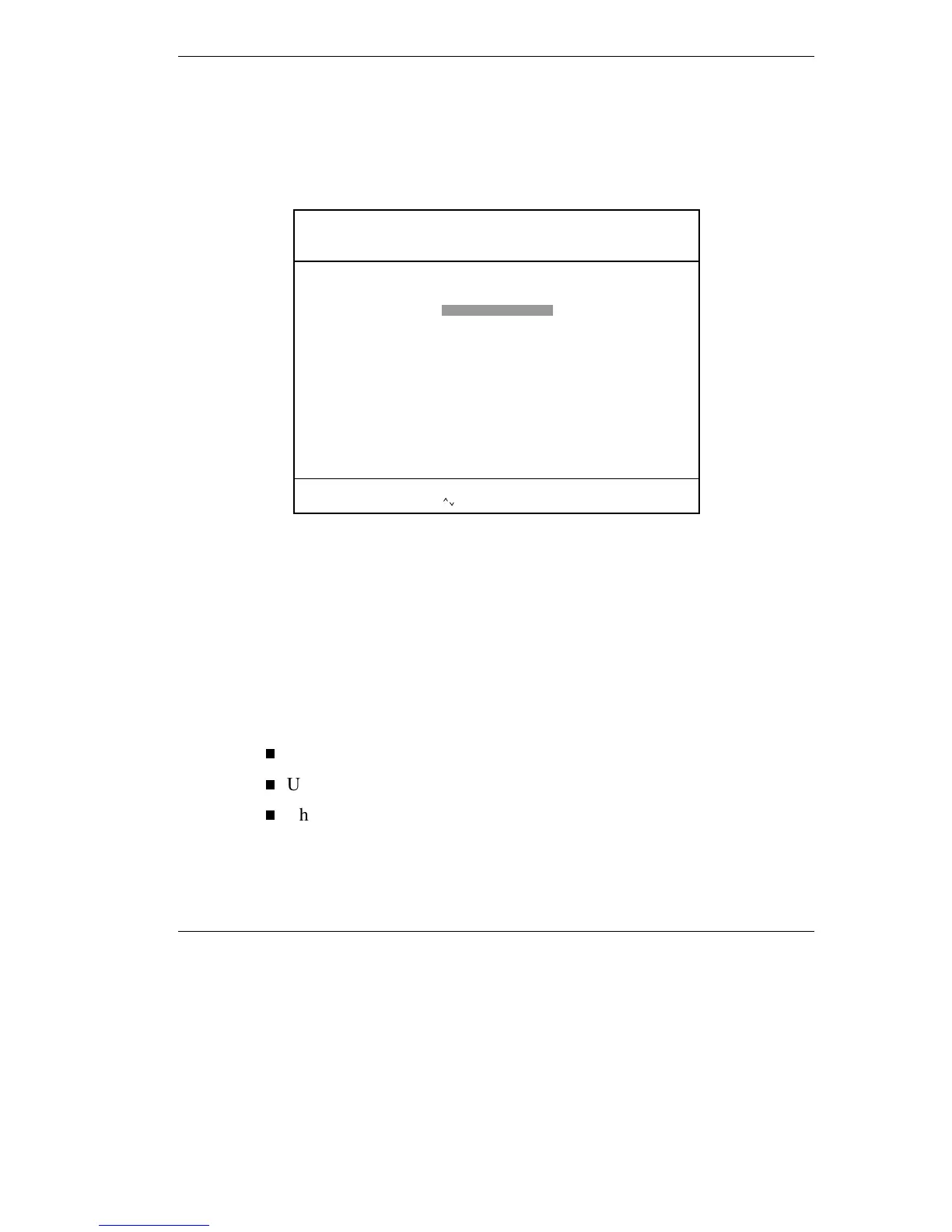
BIOS Setup Utility Main Menu
After you press
F2
, the system displays the BIOS Setup Main Menu
screen, similar to the following.
BIOS Setup Main Menu
Use the up and down arrow keys (located on the lower right corner of the
keyboard) to toggle through the BIOS Setup menu items. (The Change
User Password option is only available if a Supervisor Password is
defined.)
How to Use BIOS Setup
The following sections describe how to use BIOS Setup, including these
topics:
Looking at screens
Using keys
Checking and setting system parameters
ESC: Exit F3/F4: Color F10: Save & Exit| | : Sel
Advanced CMOS setup for configuring system options
AMIBIOS HIFLEX SETUP UTILITY – VERSION X.XX
(C)1996 American Megatrends, Inc. All Rights Reserved
NEC Versa SX BIOS Version
Standard CMOS Setup
Advanced CMOS Setup
System Security Setup
Power Management Setup
Boot Device Setup
Peripheral Setup
Auto Configuration with Defaults
Save Settings and Exit
Exit Without Saving



 To Next Page