1-12 Introducing the NEC Versa
Around the Left Side of the System
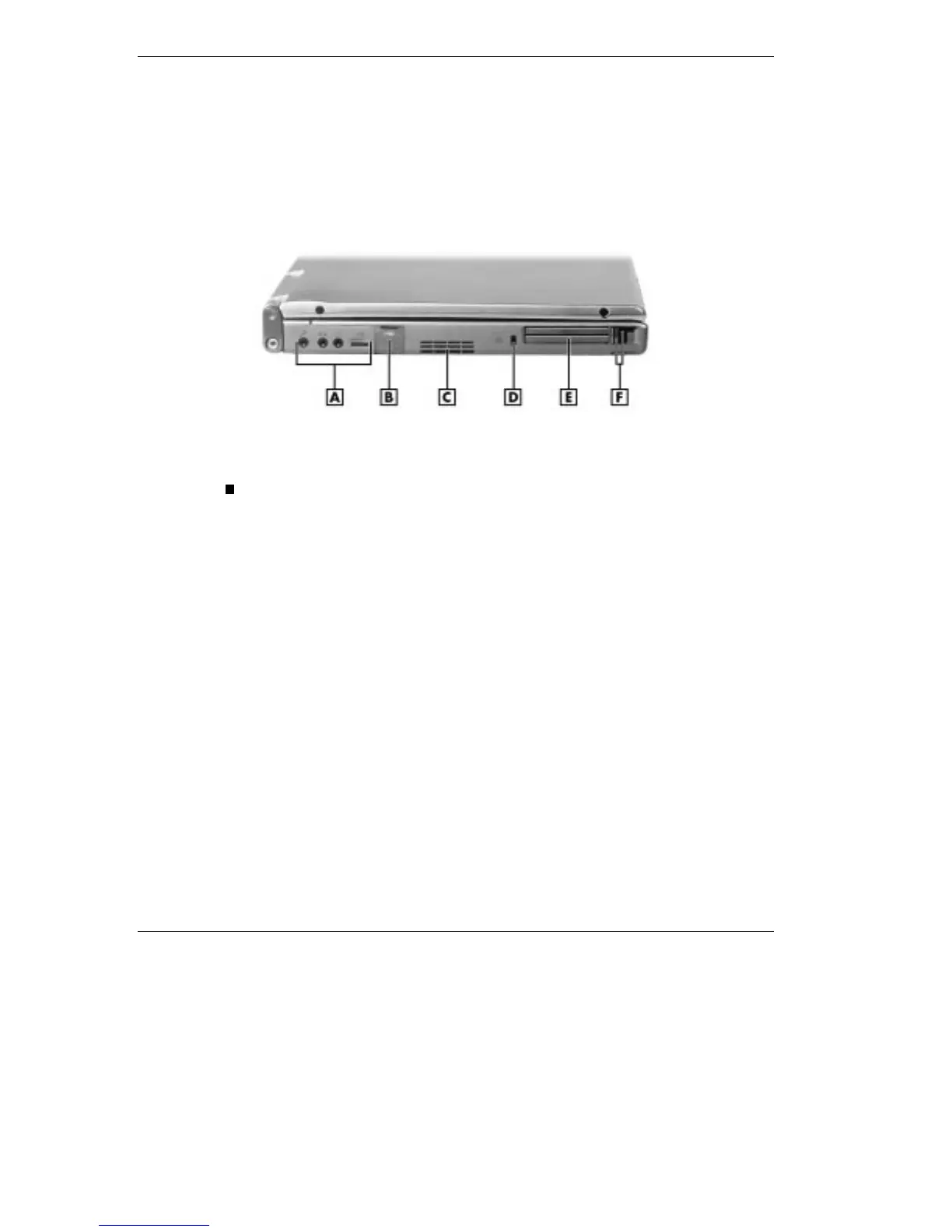
The left side of your NEC Versa offers the following features, which are
described after the figure.
Left side features
A - Audio Ports and Volume Control B - USB Port C - Fan Vent D - Kensington
Lock Slot E - PC Card Slot F - PC Card Ejection Buttons
Audio ports and a volume control knob.
External Microphone (MIC) — Allows you to connect an external
microphone for monophonic recording or amplification through
the unit. Plugging in an external microphone disables the built-in
microphone.
Line-In — Lets you use another audio system, like a home stereo,
as an input source. Use a cable to connect to the Line-Out port on
the other audio system to record or play.
Headphones/Speakers — Lets you connect external headphones
or speakers to your NEC Versa. Plugging in headphones or
external speakers disables the built-in system speakers.
Volume Control — Allows you to control the internal speaker
volume and headphone volume.



 To Next Page