Using External Devices 5-7
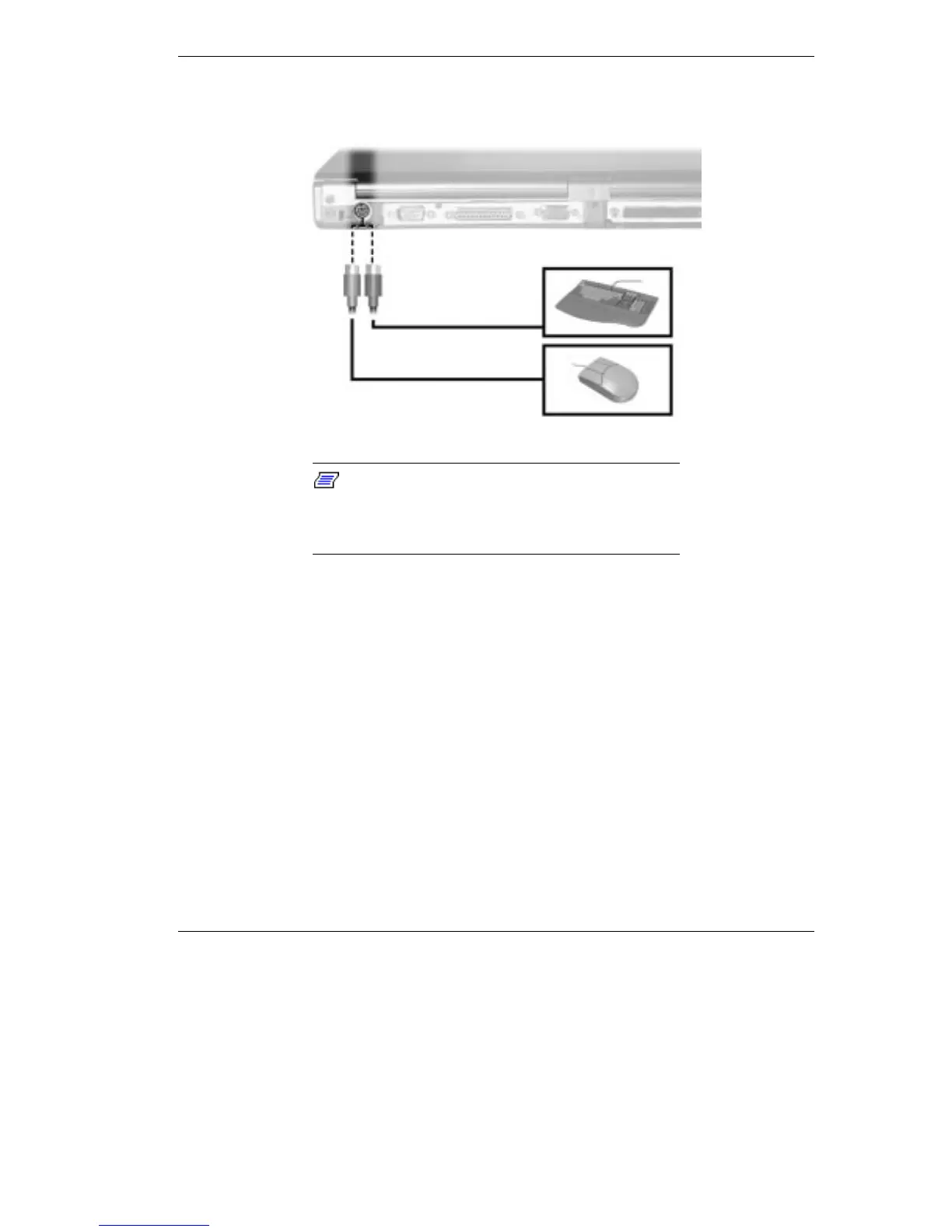
Connecting an external keyboard or mouse
Note:
For instructions on connecting an
external keyboard or external mouse to a NEC
Versa Dock or NEC Versa PortBar, see the user's
guide that came with your option.
External Bar Code Scanner
You can use an external bar code scanner using a PS/2-style connector
with your NEC Versa's Plug and Play feature. You can still use the
system keyboard while a scanner is connected.
To connect a bar code scanner, follow the instructions under “External
Keyboard/Mouse.”
External Audio Options
The NEC Versa comes equipped with built-in audio ports that let you
record and play sound.



 To Next Page