Introducing the NEC Versa 1-5
Control Panel
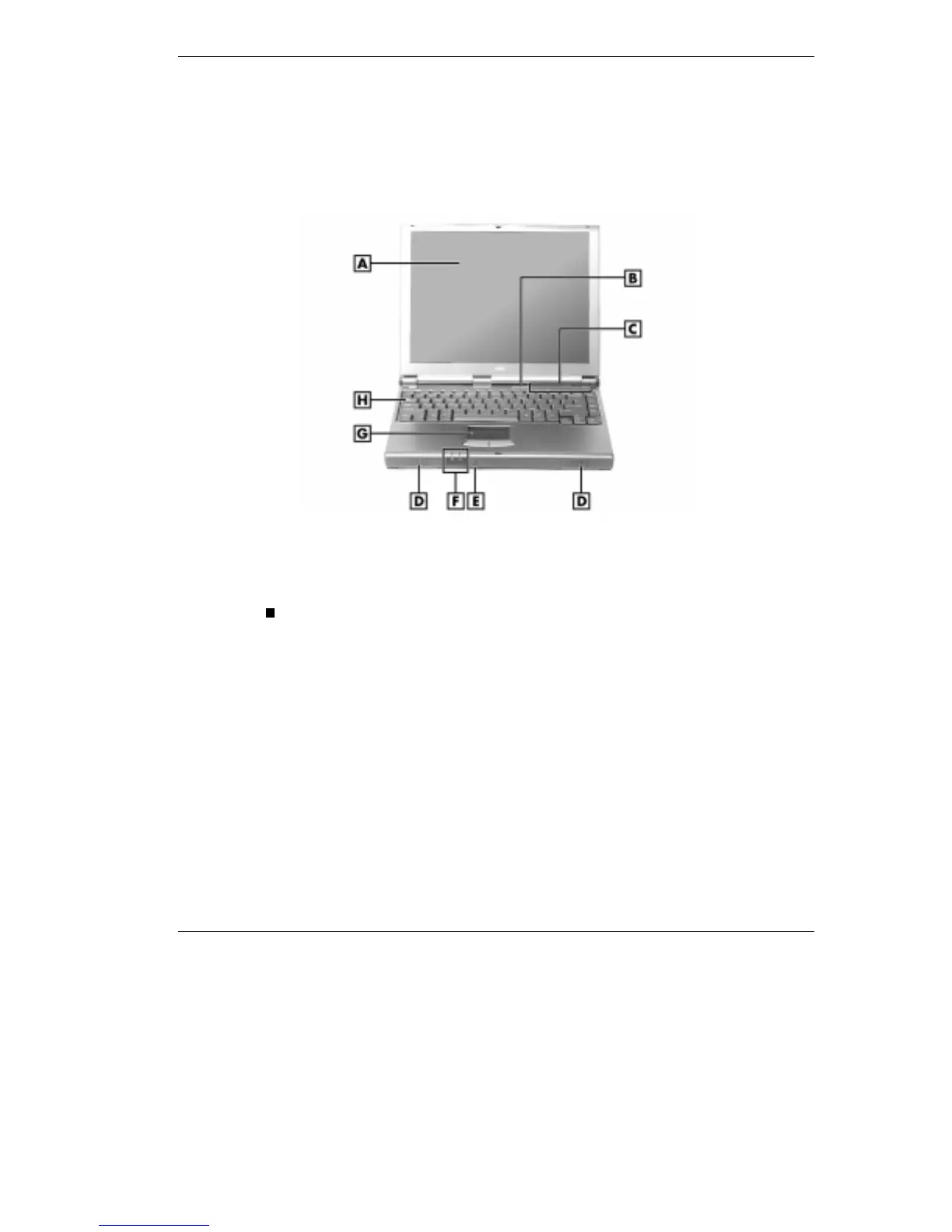
The NEC Versa control panel provides the features shown in the figure.
These features are described after the figure.
Control panel
A - LCD Panel B - Power/Sleep Button C - LED Control Panel D - Speaker
E - Microphone F - Power Status LEDs G - VersaGlide H - Keyboard
Operating Status LEDs — keeps you informed of your NEC Versa's
current operating status. See the following figure and list for each
icon's meaning.



 To Next Page