1-6 Introducing the NEC Versa
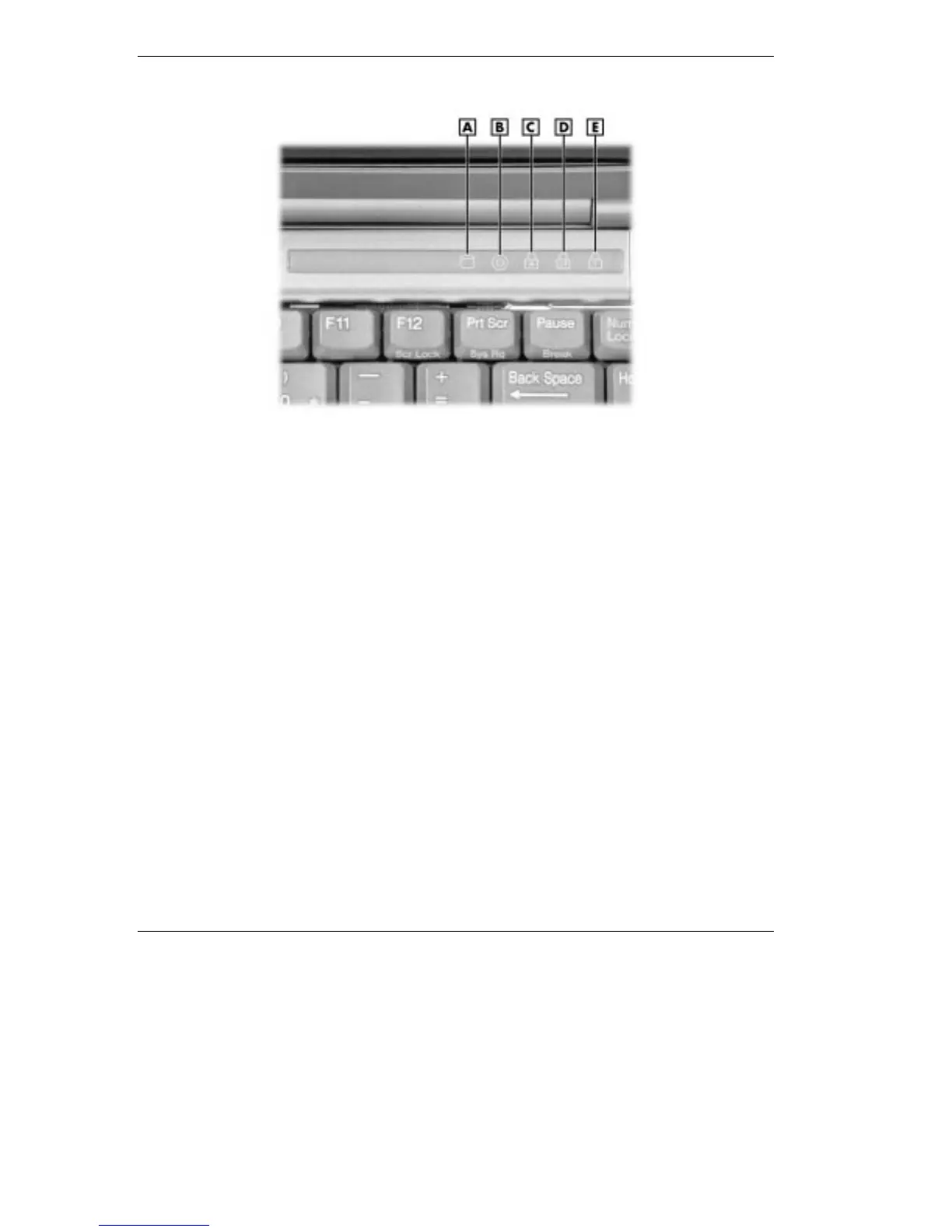
Operating status LEDs
A - Hard Drive B - VersaBay III C - Caps Lock D - Scroll Lock E - Num Lock
Hard Drive — lights when the NEC Versa writes or reads data
from the hard drive.
VersaBay III™ — lights when the NEC Versa writes data to or
retrieves data from a device in the VersaBay III.
Caps Lock — lights when Caps Lock is in effect.
Scroll Lock — lights when Scroll Lock is in effect.
Num Lock — lights when Num Lock mode is active.



 To Next Page