Using the Hardware 4-19
Your NEC Versa transfers data at the speed compatible with the
receiving device.
For the infrared technology to work, you need to follow these guidelines:
Position the NEC Versa no more than three feet way from the IR
peripheral device you are using.
Make sure there is no greater than a 30° angle between the computer
and the device.
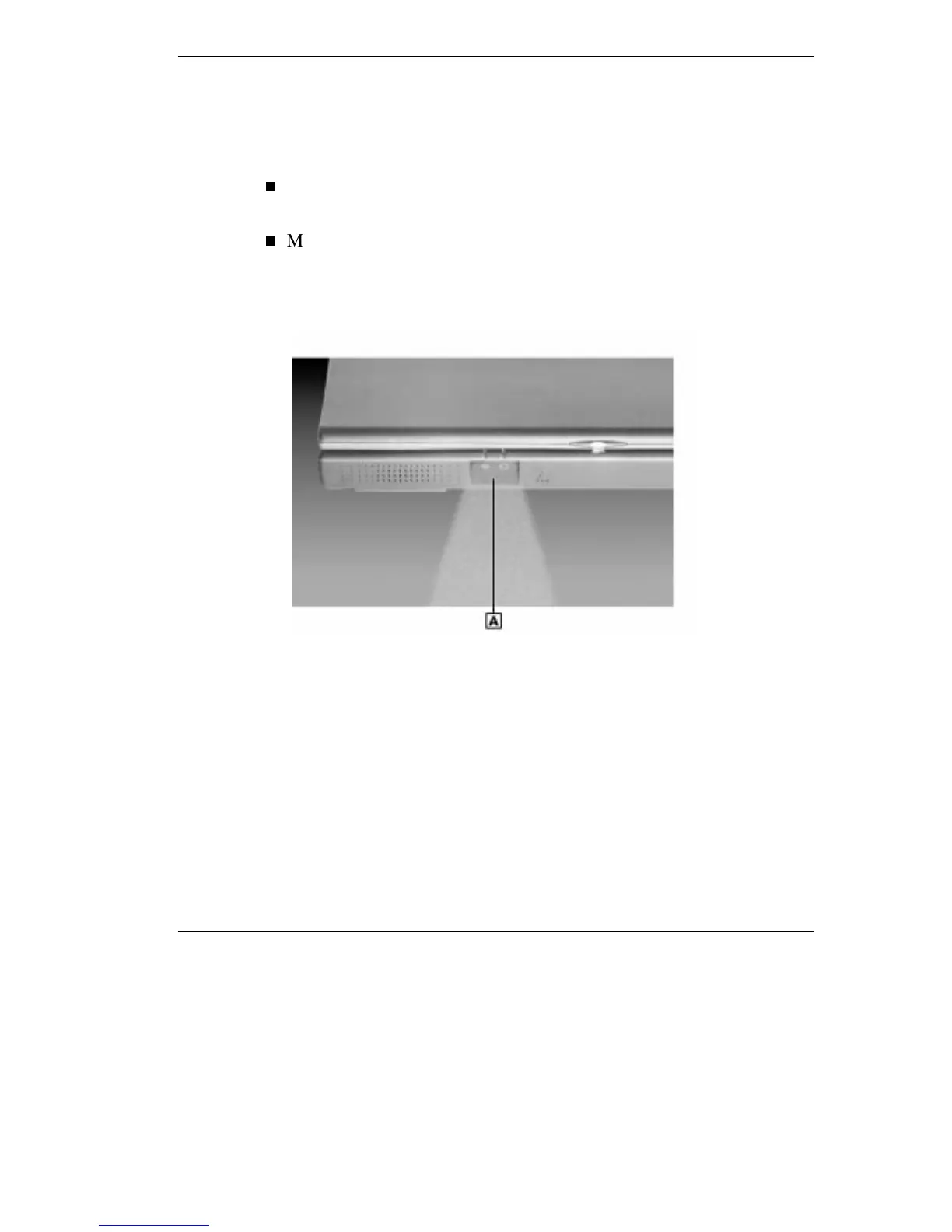
Using the IR port
A
– IR Window
Increasing System Storage and Memory
As your needs grow and change, you may need to add an optional hard
disk drive with a greater capacity, or additional memory. Read the
following sections to learn how to install an optional hard disk drive, or a
memory module.



 To Next Page