Introducing the NEC Versa 1-7
Keyboard Panel and Base Unit
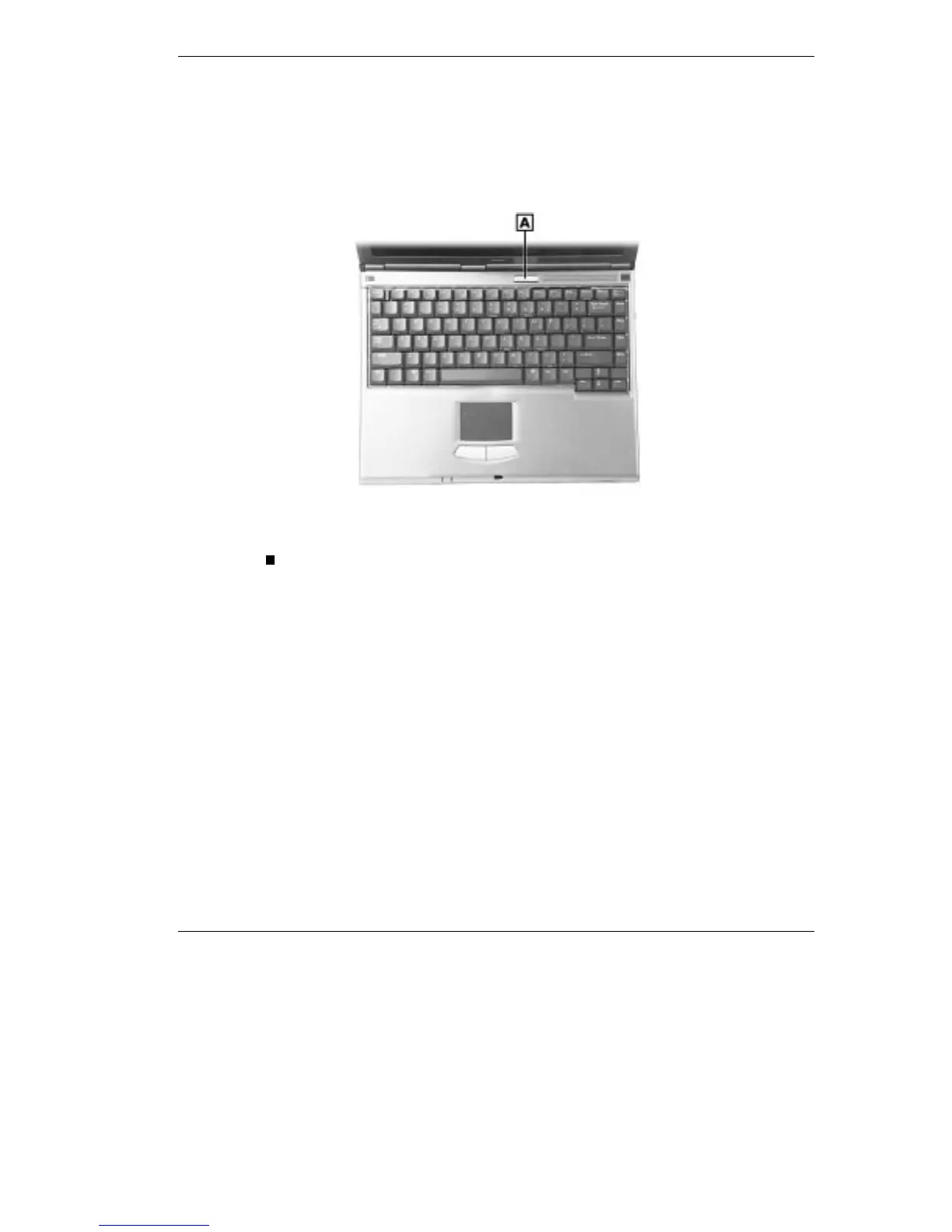
The NEC Versa keyboard panel and base unit contains the following
features that are described after the figure.
Keyboard panel and base unit
A - Power/Sleep Button
Power/Sleep Button — press the Power/Sleep button to power on,
power off, and to put the computer into Suspend mode. Your NEC
Versa ships with the power on and power off function, to use the
Sleep functionality, refer to “BIOS Setup” in Chapter 3 for setting up
the Power/Sleep functions.
Press the Power/Sleep button to power on.
Hold the Power/Sleep button in place for 5 or more seconds to
power off.
Hold the Power/Sleep button in place for 4 or fewer seconds to
put the system into Suspend mode.



 To Next Page