4-10 Using the Hardware
Note:
If you release the front latch before
completely removing the device, the device casing
catches on the inside of the latch.
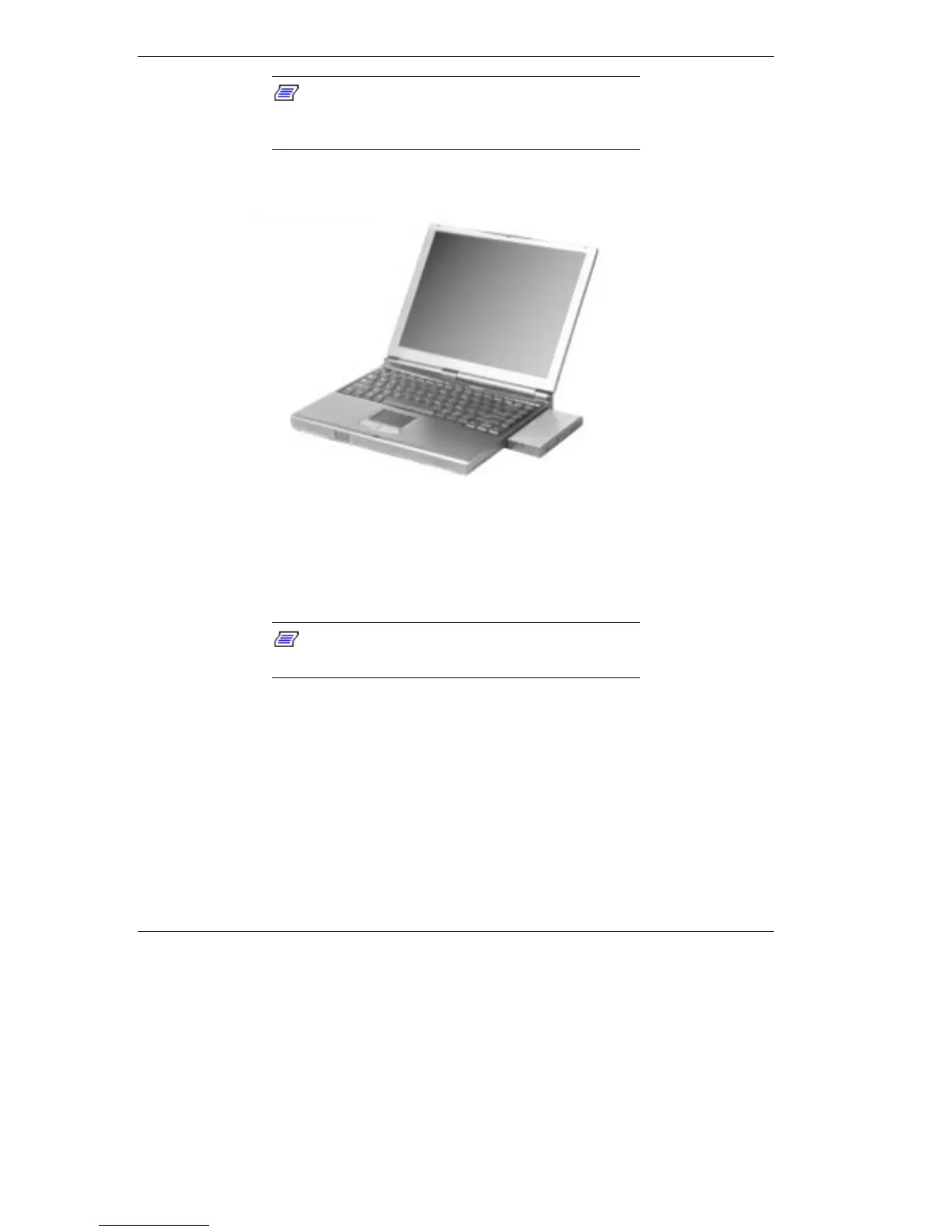
Removing the device
Installing a Device in the VersaBay III
Use the following steps to install a device in the VersaBay III. These
steps show how to install the 24X CD-ROM reader that ships standard
with the system. Use these steps to install other devices as well.
Note:
A CD-ROM reader installed in the
VersaBay III is specified as a master.
Your system must be powered off before removing or inserting devices
in the VersaBay III.
1. Make sure the NEC Versa is powered off, all options are
disconnected, and the LCD panel is closed.
2. Turn the system upside down.
3. Locate the VersaBay III release latches on the bottom of the unit.



 To Next Page