Getting Started 2-9
Replacing the Battery
Replace the battery pack installed in your NEC Versa SX system as
follows.
Note:
Use the batteries in the NEC Versa SX
computer for which they are designed. Also,
installing another manufacturer’s battery, or using a
combination of very old and new batteries can
deteriorate battery and equipment performance.
1. Save your files, exit Windows, and press the
Fn
and
Power
button to
suspend or turn off system power.
2. Close the LCD and turn the system over.
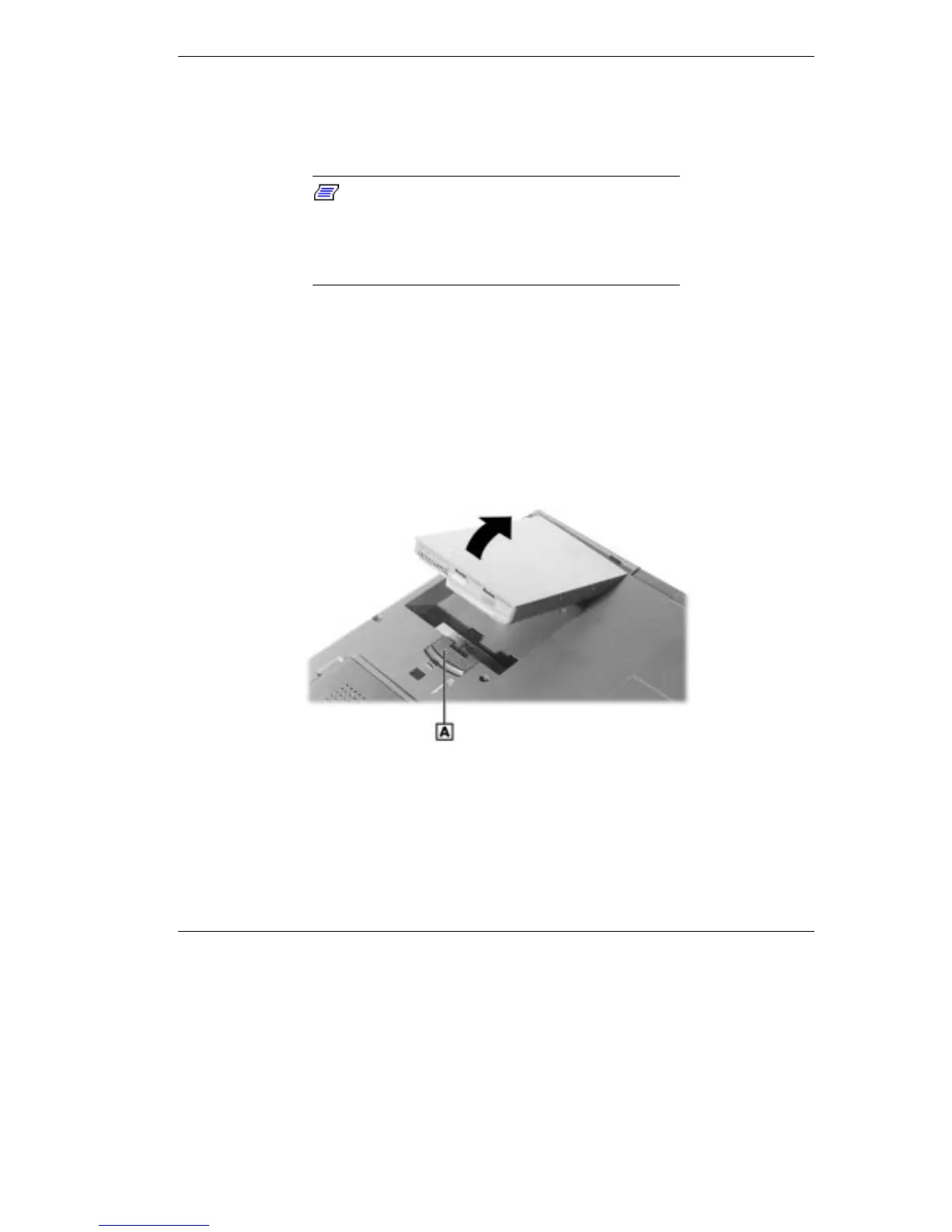
3. Slide and hold the battery latch and lift the edge of the battery out of
the notebook as shown below.
Removing battery
A -
Battery Release Latch



 To Next Page