4-8 Using the Hardware
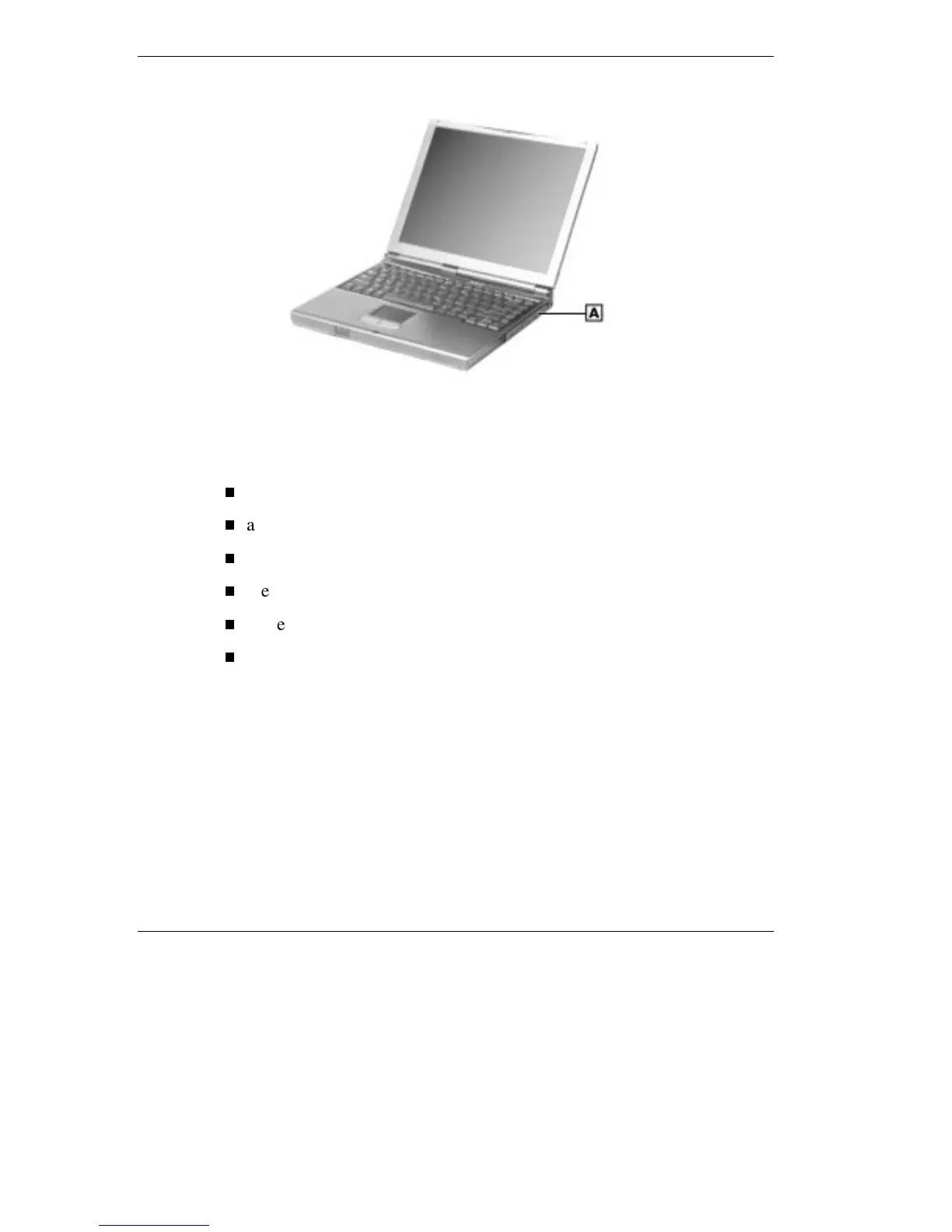
Locating the VersaBay III
A – Device in VersaBay III
In addition to the CD-ROM reader, the VersaBay III accepts the
following options:
a second battery pack
a second hard disk drive
a DVD drive
the LS-120 SuperDisk drive
a Weight Saver
or a Zip drive.
Removing a Device from the VersaBay III
Use the following steps to remove the standard diskette drive, SuperDisk
LS-120 drive, or other device from the VersaBay III.
1.
Make sure the NEC Versa is powered off, all options are
disconnected, and the LCD panel is closed.



 To Next Page