2-4 Getting Started
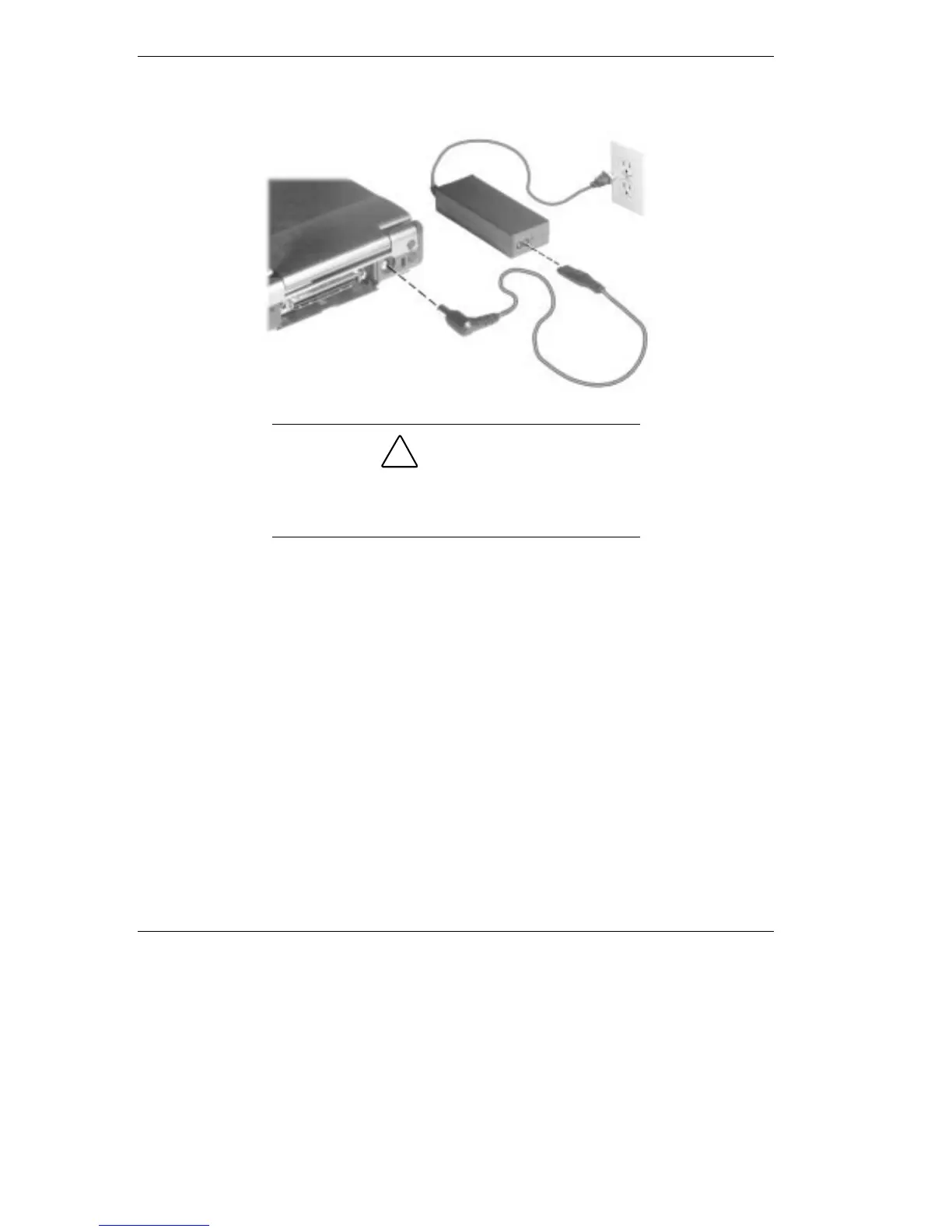
Connecting the AC adapter
!
CAUTION
Do not cover or place objects on the AC adapter.
Keeping the adapter clear of objects lets the adapter
cool properly during use.
Powering On
Power on the system as follows:
1.
Locate the latch on the front of the LCD panel, slide it to the right,
and raise the panel.
2.
Locate the Power/Sleep button and press it to turn on system power.
For additional information about the Power/Sleep button and power
LED’s, refer to Chapter 1, “Introducing the NEC Versa.”



 To Next Page