Introducing the NEC Versa 1-9
System power LEDs
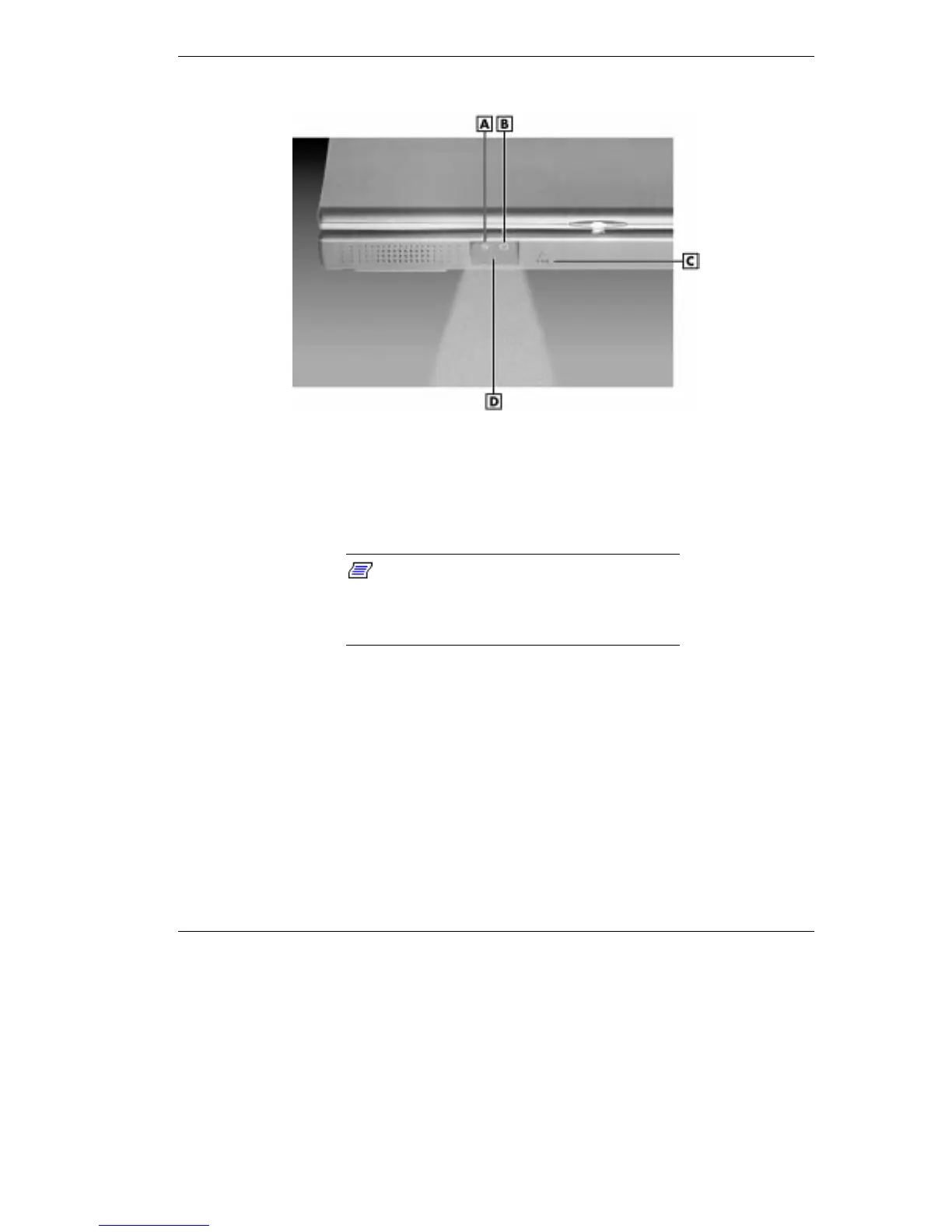
A - Power Status LED B - Battery Charging LED C - Microphone D - IR Port
Power Status LED — lights green to indicate the power is on or
amber to indicate low power condition when operating under
battery power.
Note:
When both the primary and a
secondary battery are installed, the power
status LED indicates the total (primary plus
secondary) battery status.
Battery Charging LED — lights green for secondary battery or
amber to indicate primary battery charging activity.
Microphone — A strategically positioned built-in microphone
allows you to record monophonic sound directly into your
notebook computer. See Chapter 6, “Using Multimedia,” for
details about recording.



 To Next Page