Getting Started 2-7
!
WARNING
If the second and forth LEDs are on and the third is
off. The battery should be charged overnight. If the
LEDs are not all on in the morning after pressing the
Test button, the battery may have reached its
normal end of life and need to be replaced.
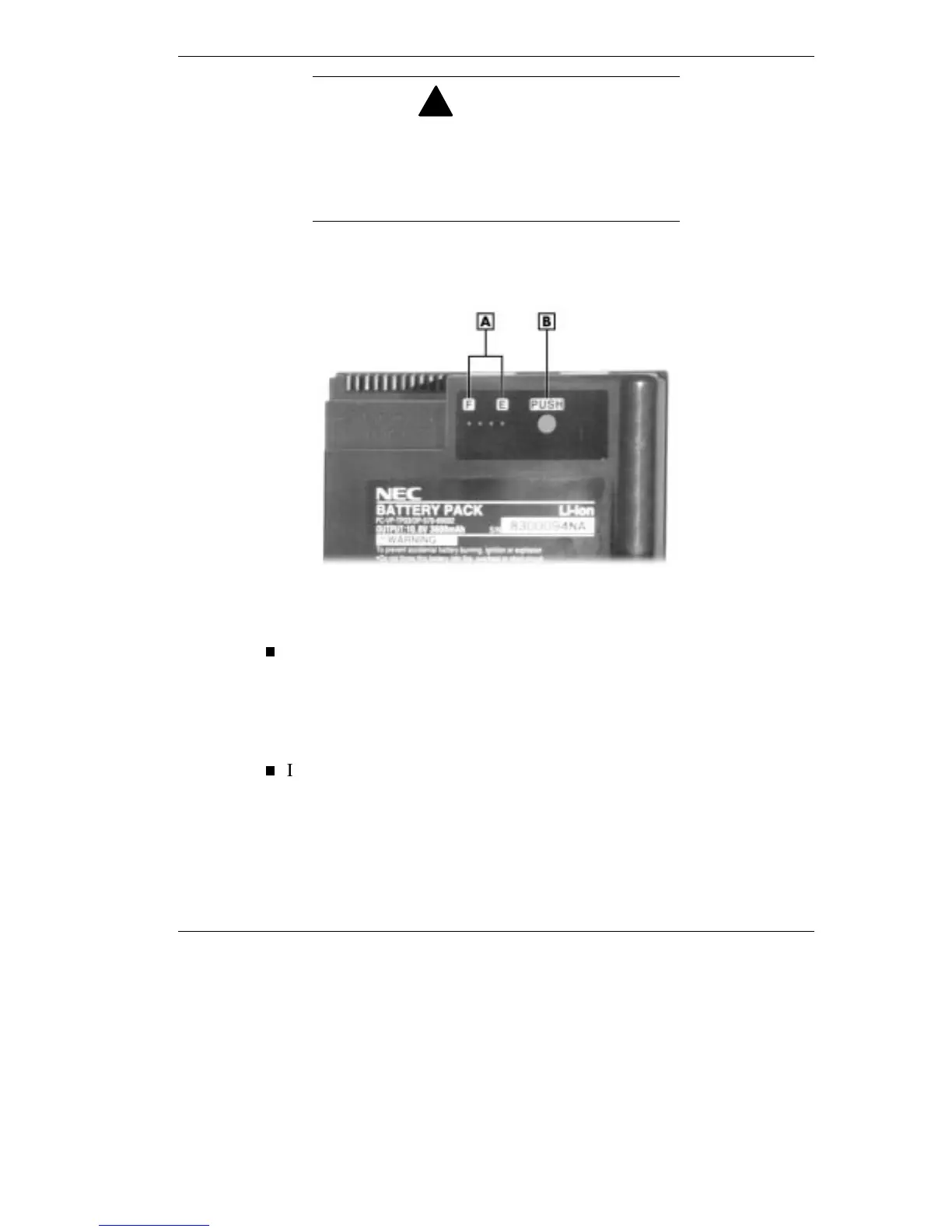
Battery Status Gauge
A
- Status Indicator
B
- Battery Test Button
In the Windows 95 operating system access the Battery Meter via
Start from the desktop, select Settings, select Control Panel and then
the Power icon. This will show you the total power remaining. click
the show battery meter on taskbar to have easy access to this
information from the taskbar.
In the Windows NT operating system access the battery status via
Start,
slide to the Programs group, then slide to PowerProfiler for
Windows NT. Press the VersaGlide selection button or tap the
VersaGlide pad once. the main PowerProfiler screen appears.
Select the Battery tab and add the battery meter to the taskbar.



 To Next Page