Using the Hardware 4-21
1. Make sure that the system is powered off and that no peripheral
devices are attached.
2. Close the LCD panel, turn the NEC Versa over.
3. Locate the coin screw and remove it from the notebook by turning
counter clockwise.
4. Lift the Memory module bay cover.
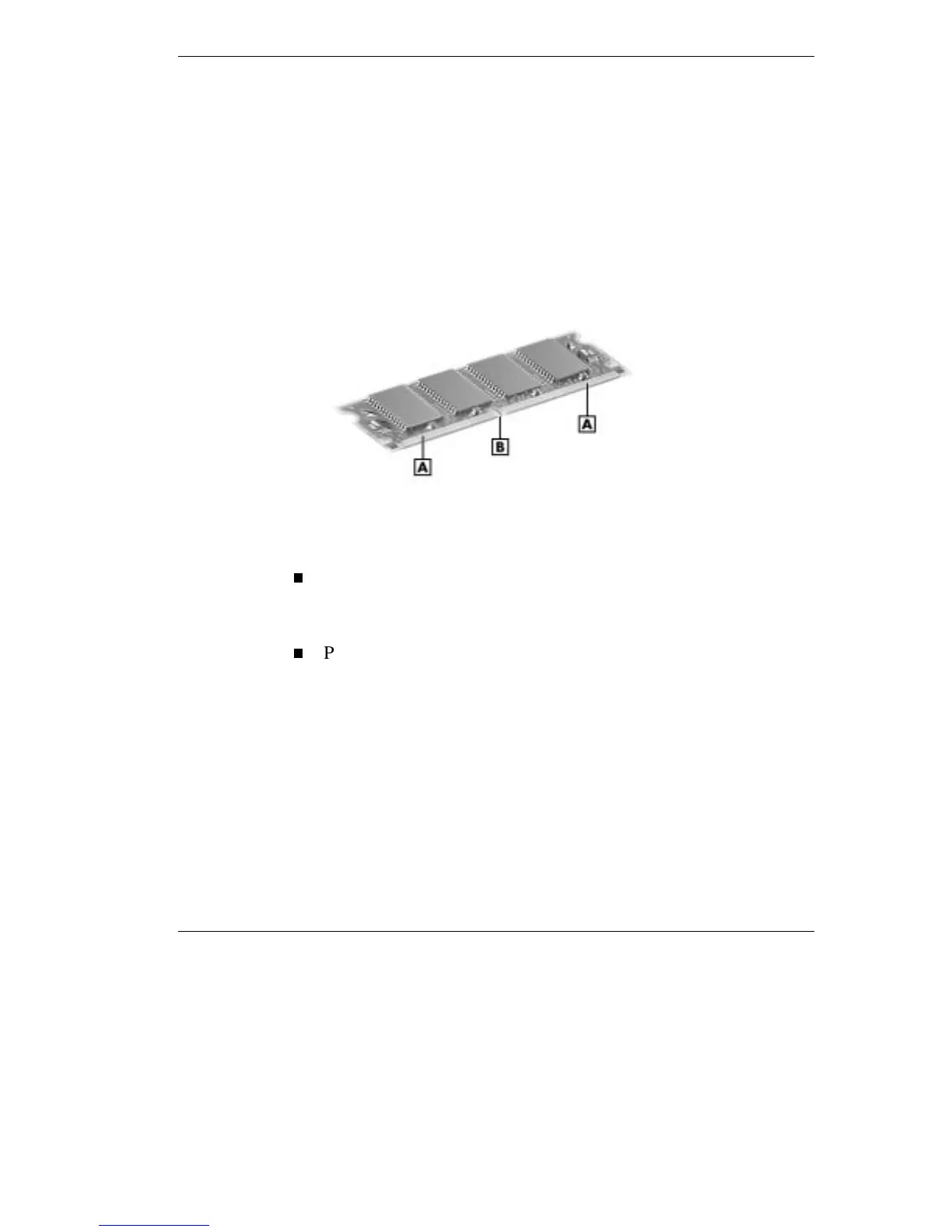
5. Locate the lock notches and alignment key on the SO-DIMM.
SO-DIMM memory module
A -
Contacts
B -
Lock Notch
6. Locate the SO-DIMM expansion port and proceed as follows:
Hold the SO-DIMM at a 45 degree angle and align the
SO-DIMM contacts with the socket in the system. Push the
connector into the socket.
Press down on the edge of the SO-DIMM opposite the contacts
until the lock tabs on the sides snap into place, securing the
module.



 To Next Page