Using the MRX920 Unit
MRX920/MTX950 User’s Manual 4-9
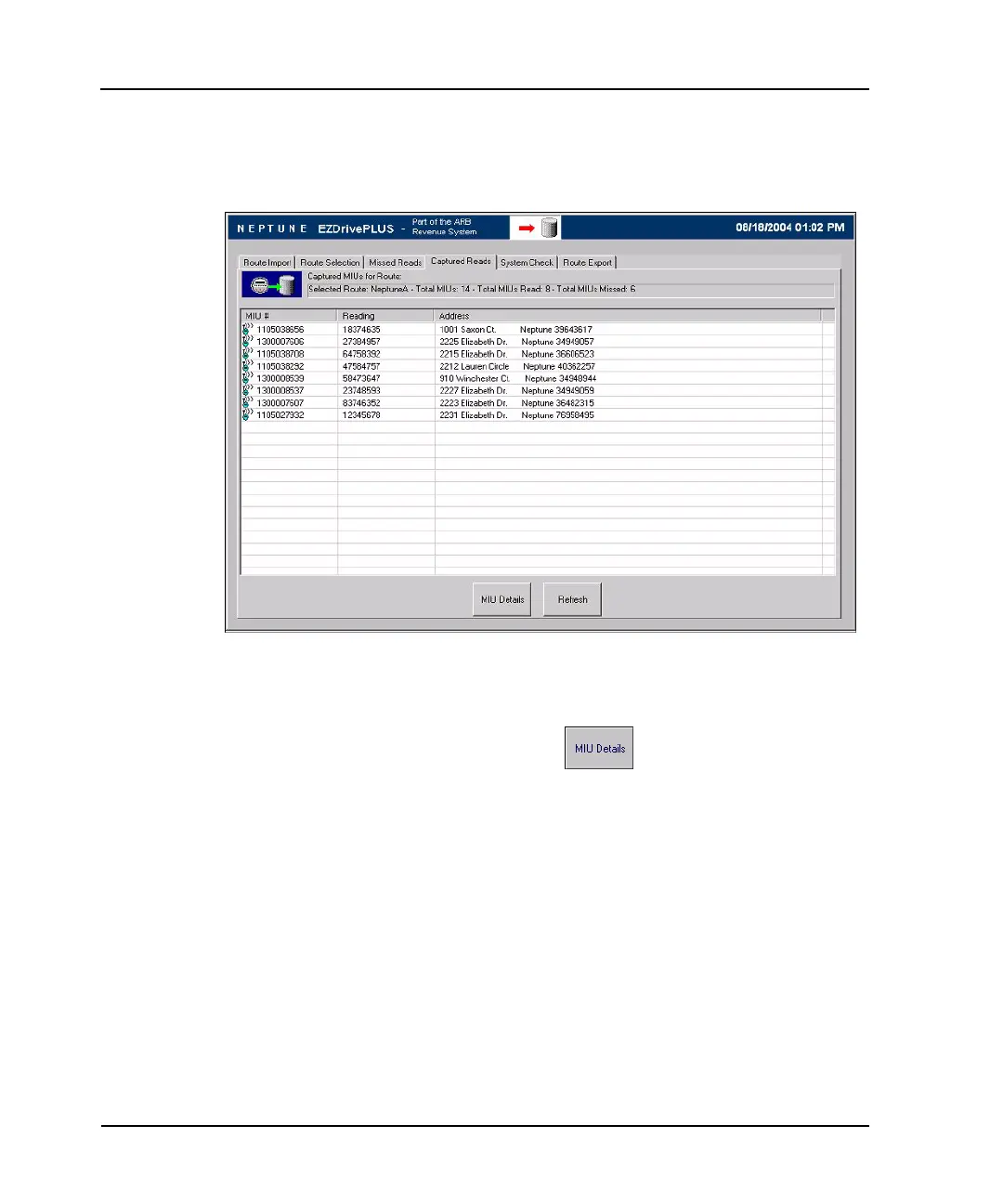
2 Go to either the Missed Reads or Captured Reads screen,
depending on whether or not the account has already been
read. See Figure 4.7.
Figure 4.7 Captured Read Screen with Account Highlighted
3 Highlight the specific account.
4 Press the MIU Details button.
The MIU Details dialog appears with the details of the
selected account. See Figure 4.5.
5 To close the MIU Details dialog, select OK.



 To Next Page