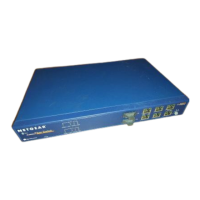
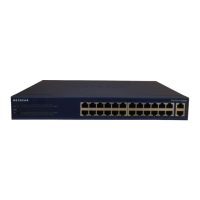
Installation Guide for the Model FS562 and Model FS566 Fiber Switches
5-2 Troubleshooting
Network Adapter Cards
Make sure the network adapter cards installed in the PCs are in working condition and the software
driver has been installed.
Configuration
If problems occur after altering the network configuration, restore the original connections and
determine the problem by implementing the new changes, one procedure at a time. Make sure
that cable distances, repeater limits, and other physical aspects of the installation do not exceed
the Ethernet limitations.
Switch Integrity
If required, verify the integrity of the switch by resetting the switch. Turn power to the switch off
and then back on. If the problem continues and you have completed all the preceding diagnoses,
contact your NETGEAR point-of-sale representative.
One or more components
are malfunctioning.
All system components
are not properly installed.
Test the components in an alternate environment
where all other components are functioning properly.
A segment or device is not
recognized as part of the
network.
One or more devices are
not properly connected or
cabling does not meet
Ethernet guidelines.
Verify that the cabling is correct (refer to Appendix C,
“Cabling Guidelines”). Be sure all cable connectors
are securely positioned in the required ports.
Straight-through cables should be used for all
standard twisted pair connections. Make sure all
devices are connected to the network. Equipment
may have been accidentally disconnected.
Table 5-1. Troubleshooting Information (continued)
Symptom Cause Solution









 To Next Page