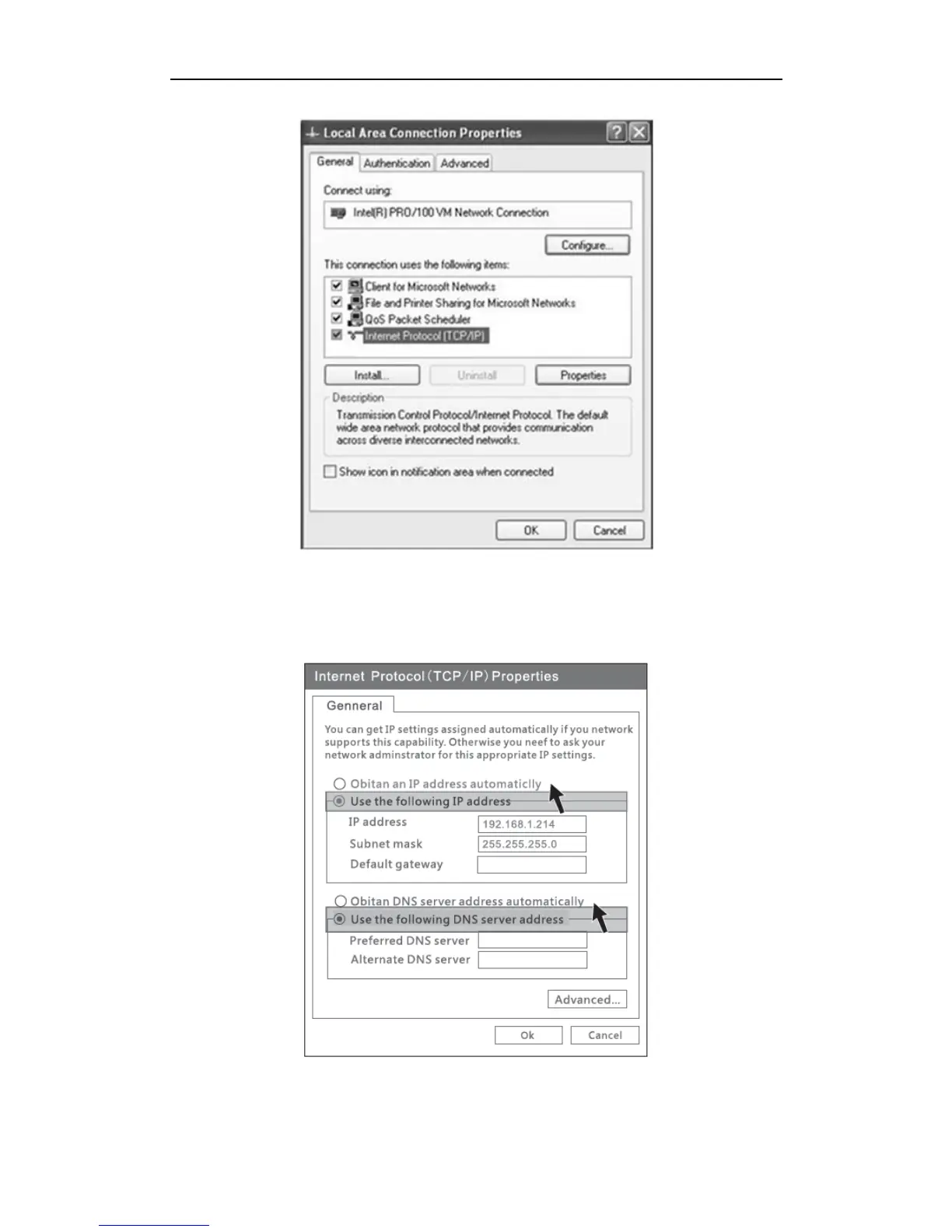
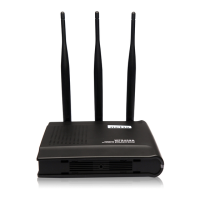
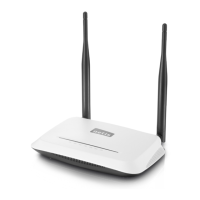
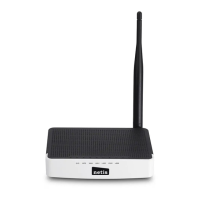
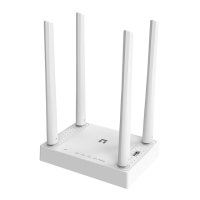
Figure 4-3
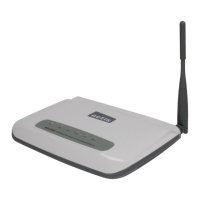
4) Select “Use the following IP address” and input IP address “192.168.1.214”, input
Subnet mask “255.255.255.0”, then choose “Obtain DNS server address
automatically”, then click “OK”.
Figure 4-4
5) Open the web browser, enter “192.168.1.100” in the address bar. Then enter the User


 To Next Page